Shoot it right,
so they watch to the end

Five tips: the phone, the distance, the backdrop, the sound and your guest on screen. General shooting advice, not app requirements.

How to hold the phone

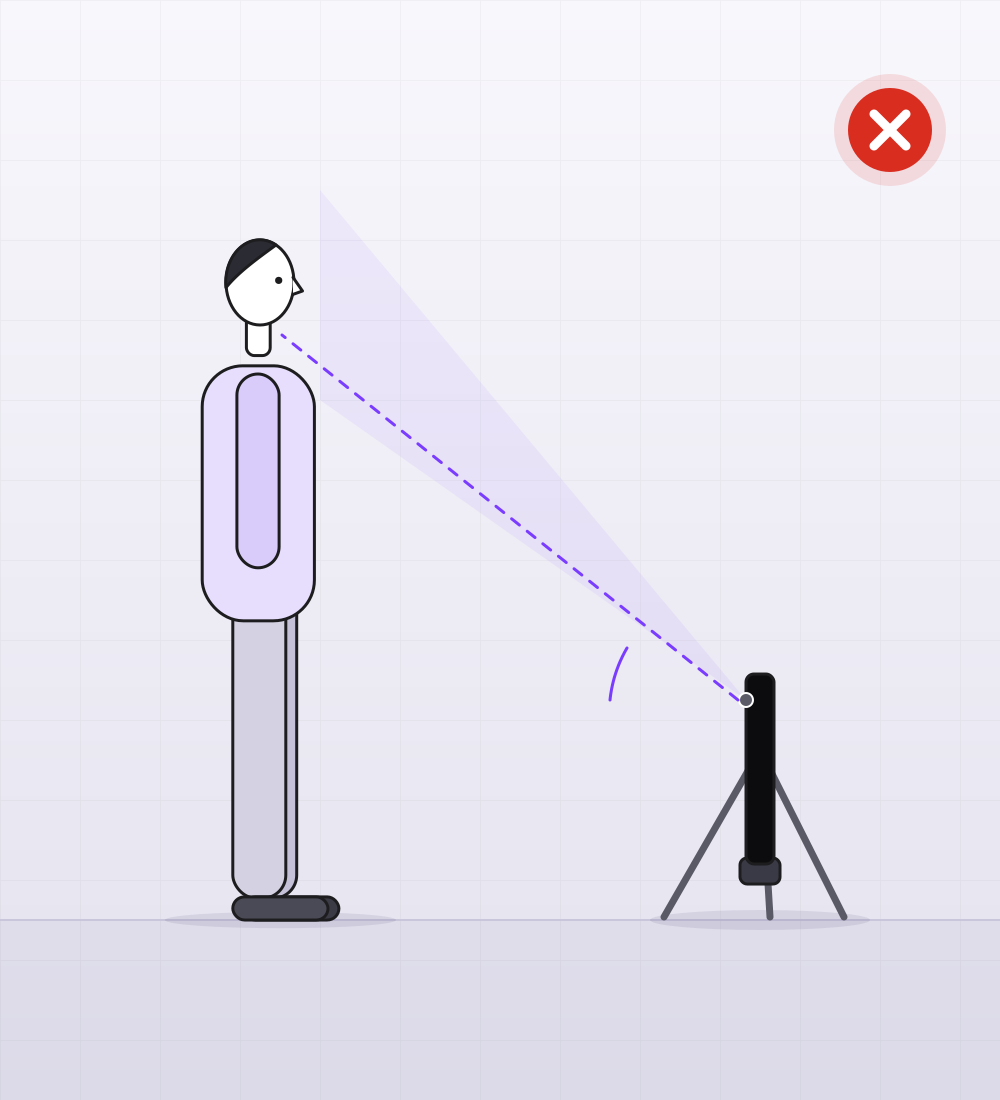
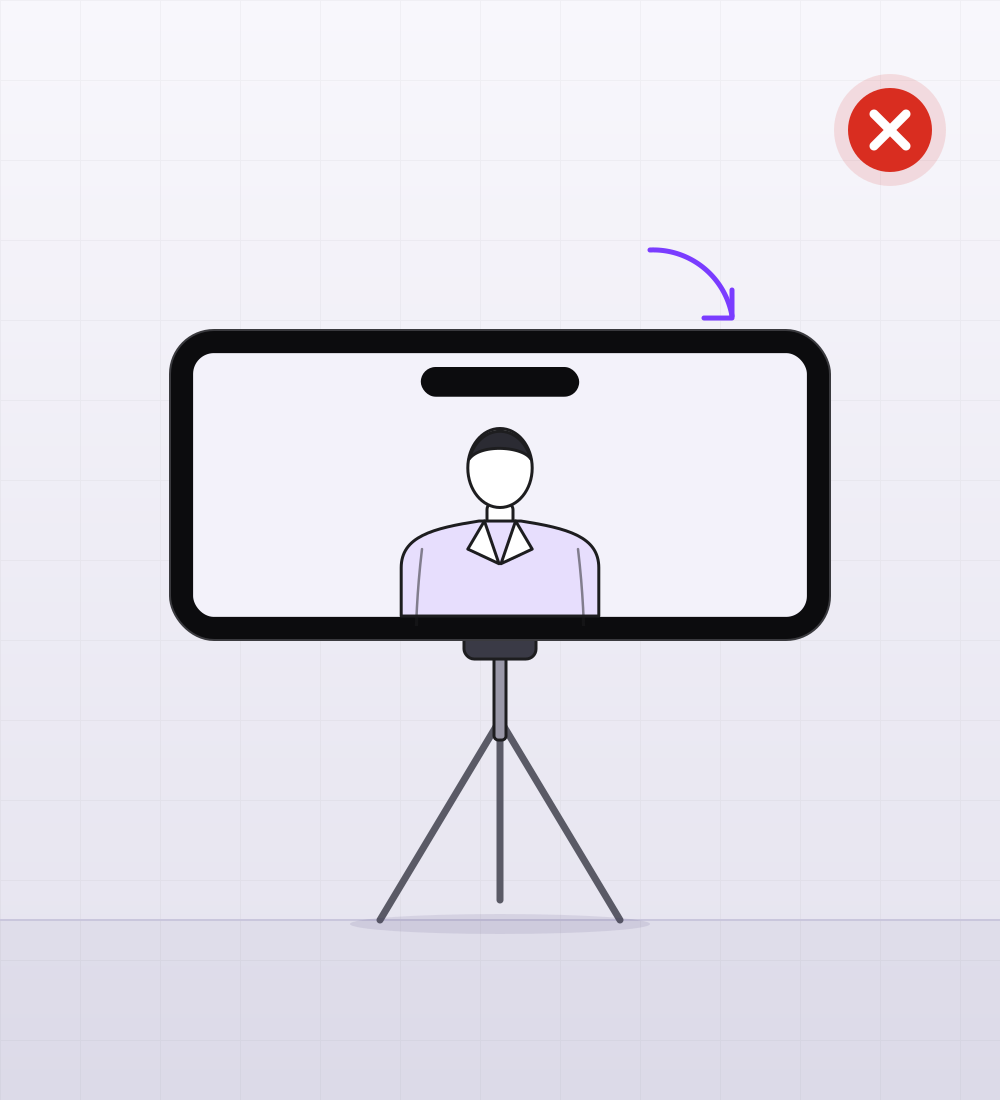
Upright, on a tripod or in a holder. Camera at eye level, not from below.
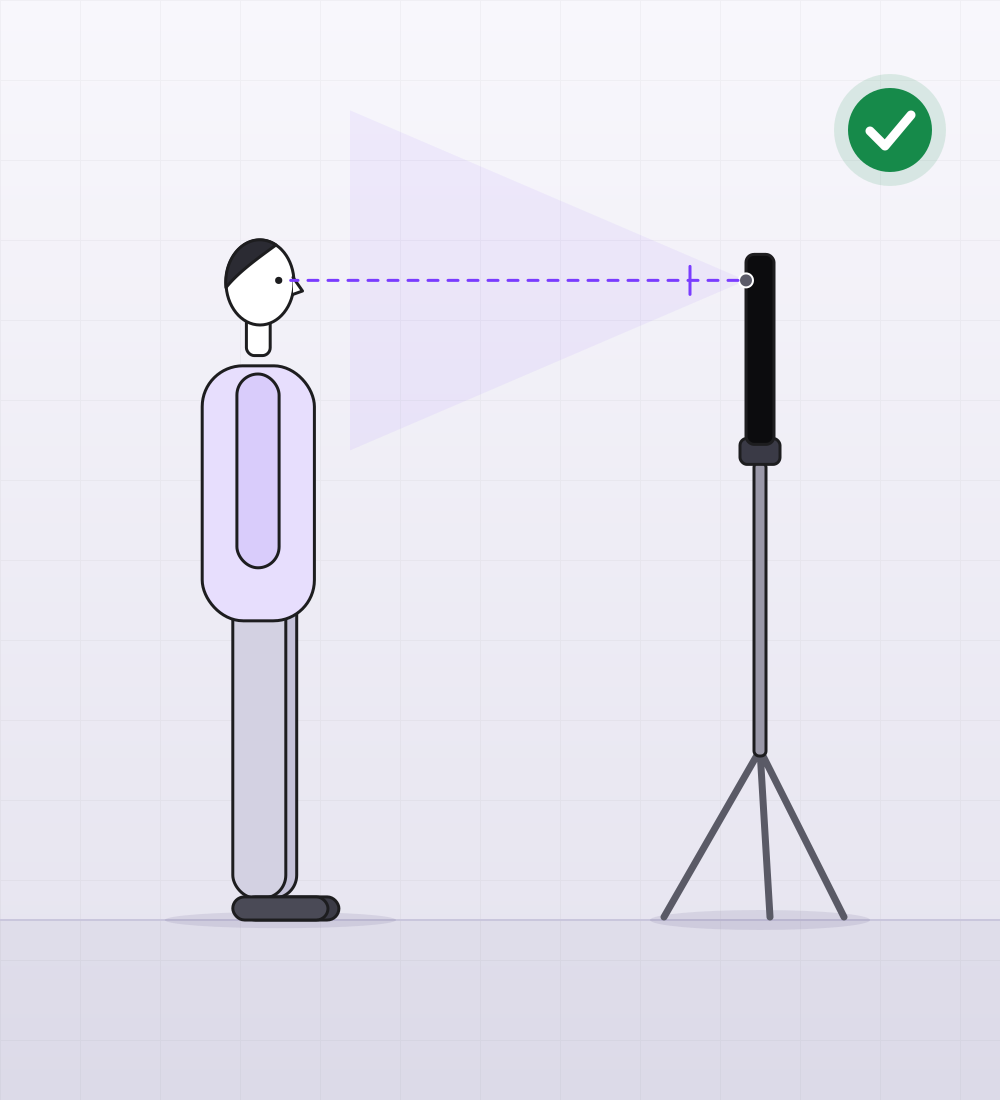
Upright, at eye level
From below: all chin
Held sideways
Held sideways
  • Upright
  • Tripod or holder
  • Eye level
  • Not from below

Distance from the phone

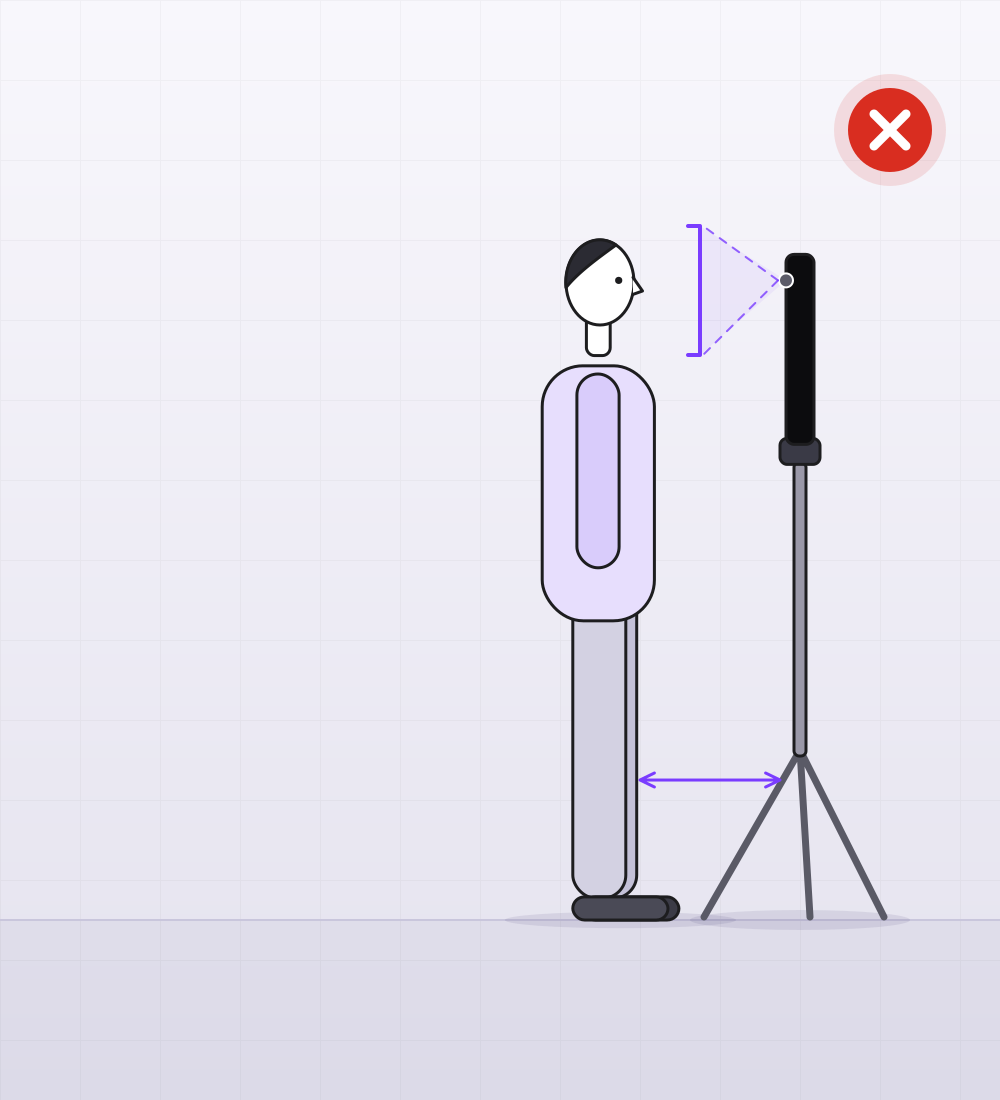
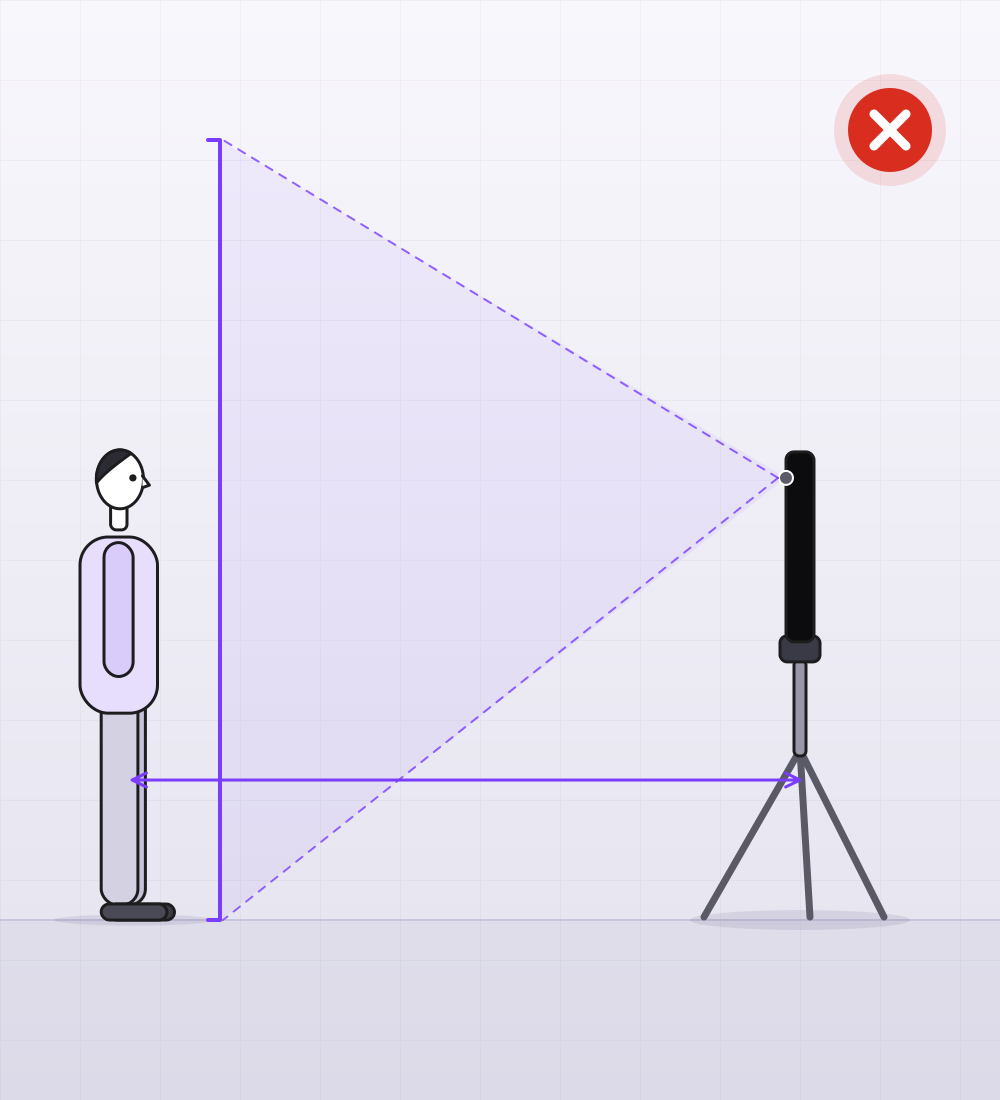
Stand about 1–1.5 m from the phone. You are in frame from the waist up, with a little room above your head for the on-screen graphics.
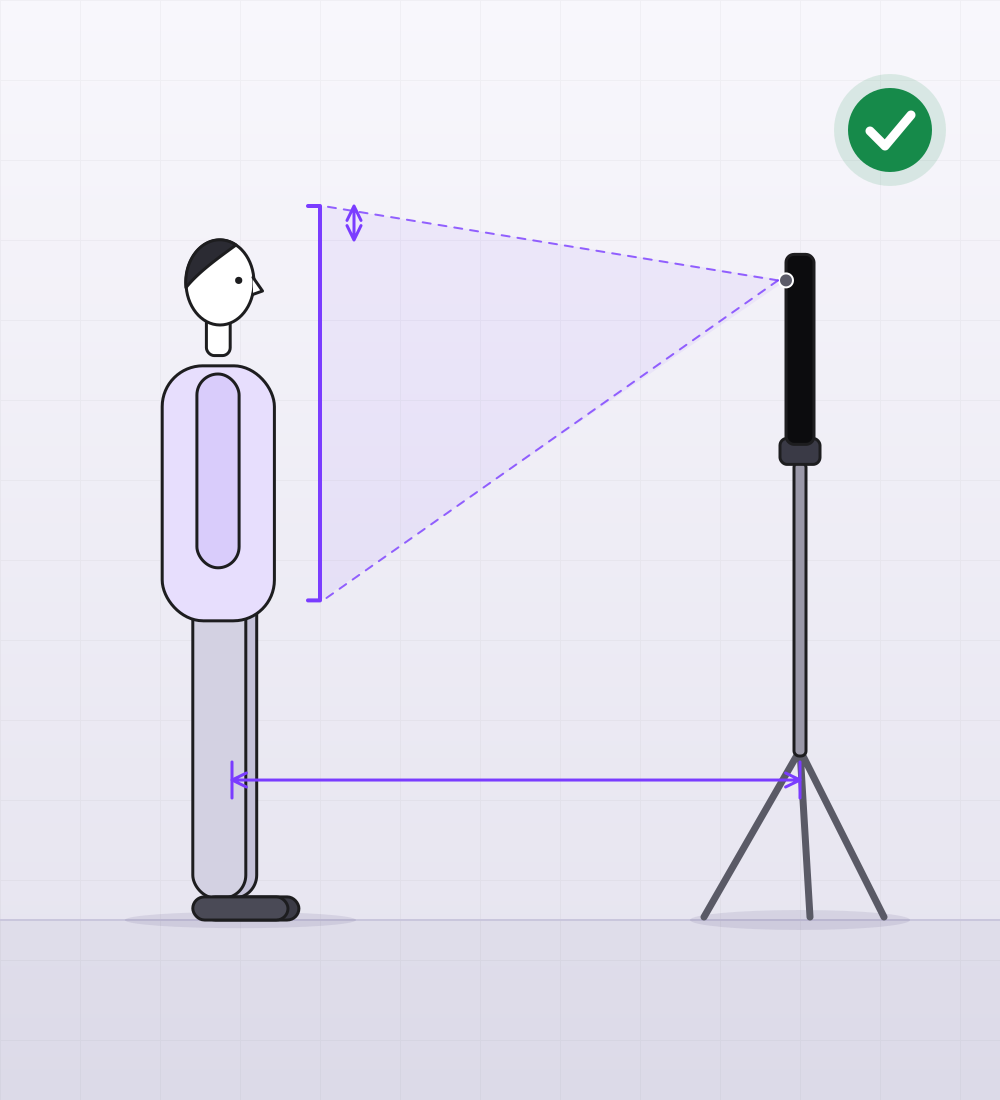
Waist-up, room above your head1–1.5 mheadroom
Waist-up, room above your head
Too close: just a face
Too far: you look tiny
  • About 1–1.5 m
  • Waist-up
  • Room above the head

Chroma key in a studio

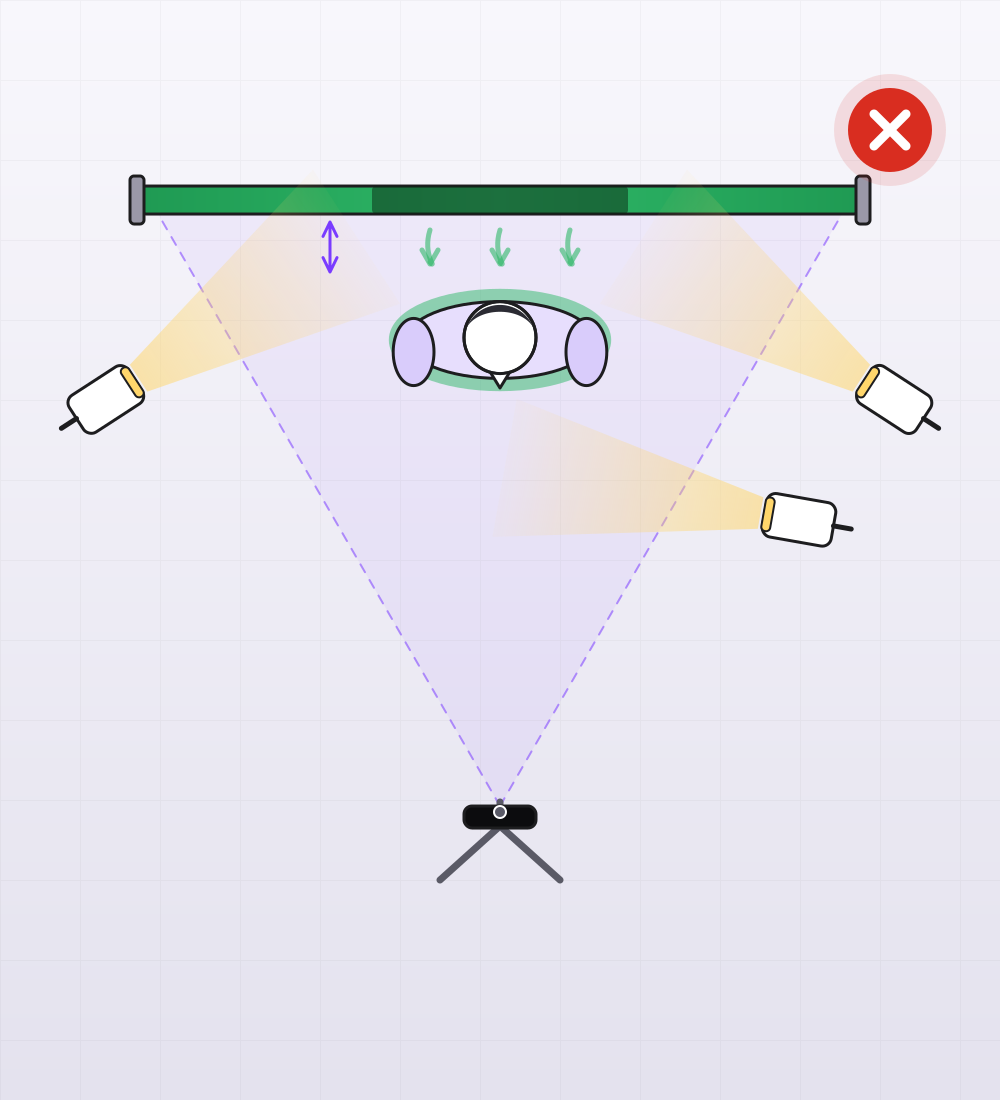
Hang the backdrop flat and stand 1–1.5 m in front of it, or you get a shadow and a green cast on your clothes. Two soft lights on the backdrop from the sides, one on your face, the phone opposite. In the app you pick the backdrop colour with an eyedropper, live on air, and the “Remove backdrop spill” slider takes the cast out.
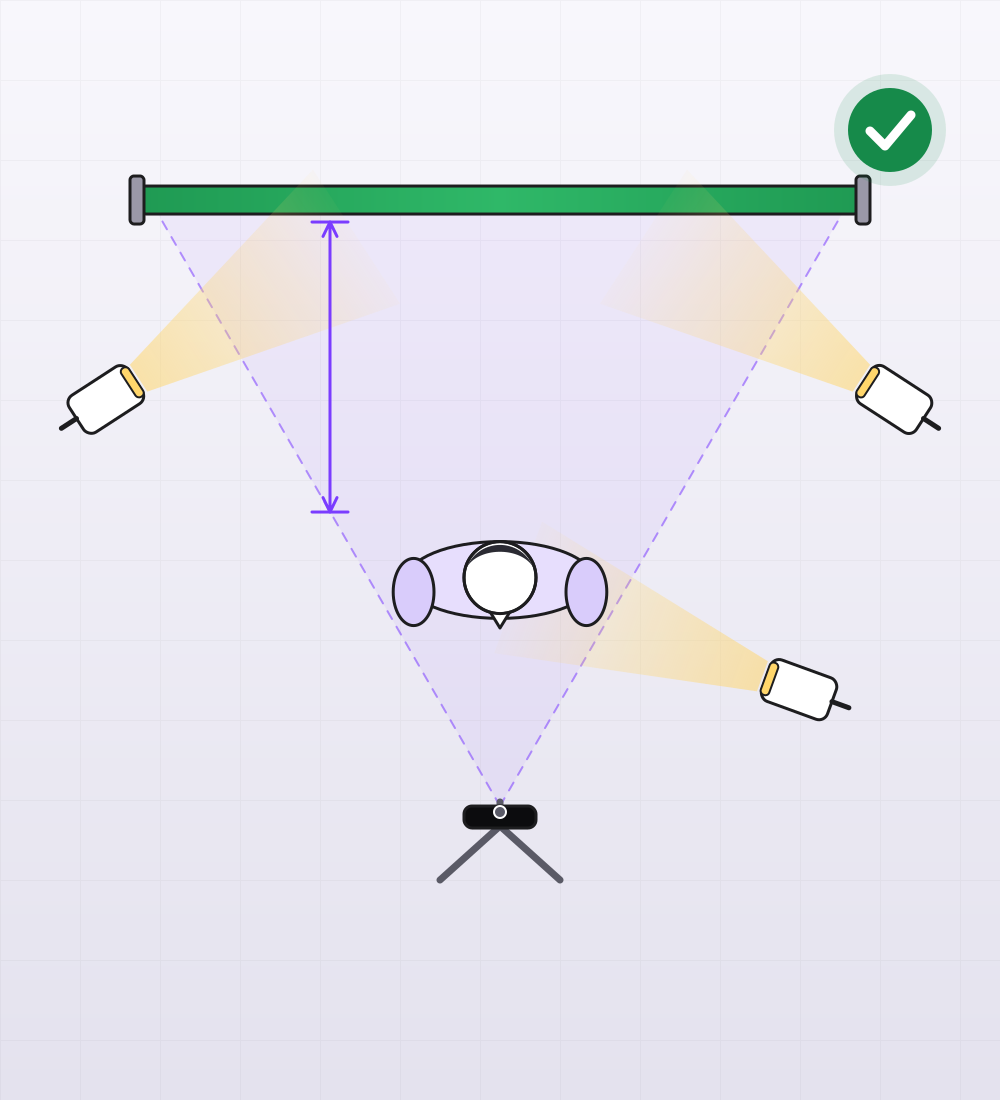
Top view: backdrop, three lights, phone1–1.5 m
Top view: backdrop, three lights, phone
Too close to the backdrop: shadow and spill
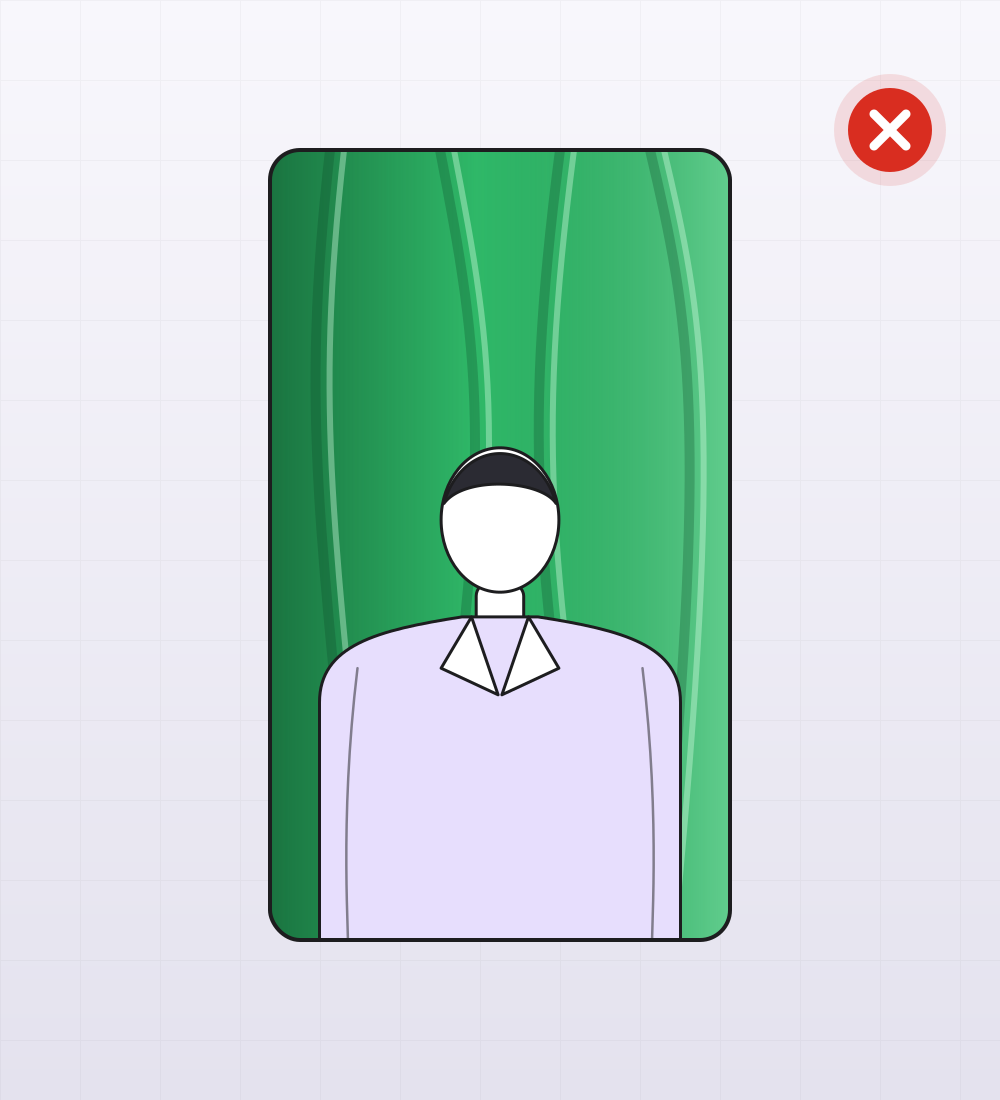
Wrinkles and uneven light
  • Green or blue
  • No wrinkles
  • Two lights on the backdrop
  • One on the face
  • Eyedropper on air

Lavalier mic

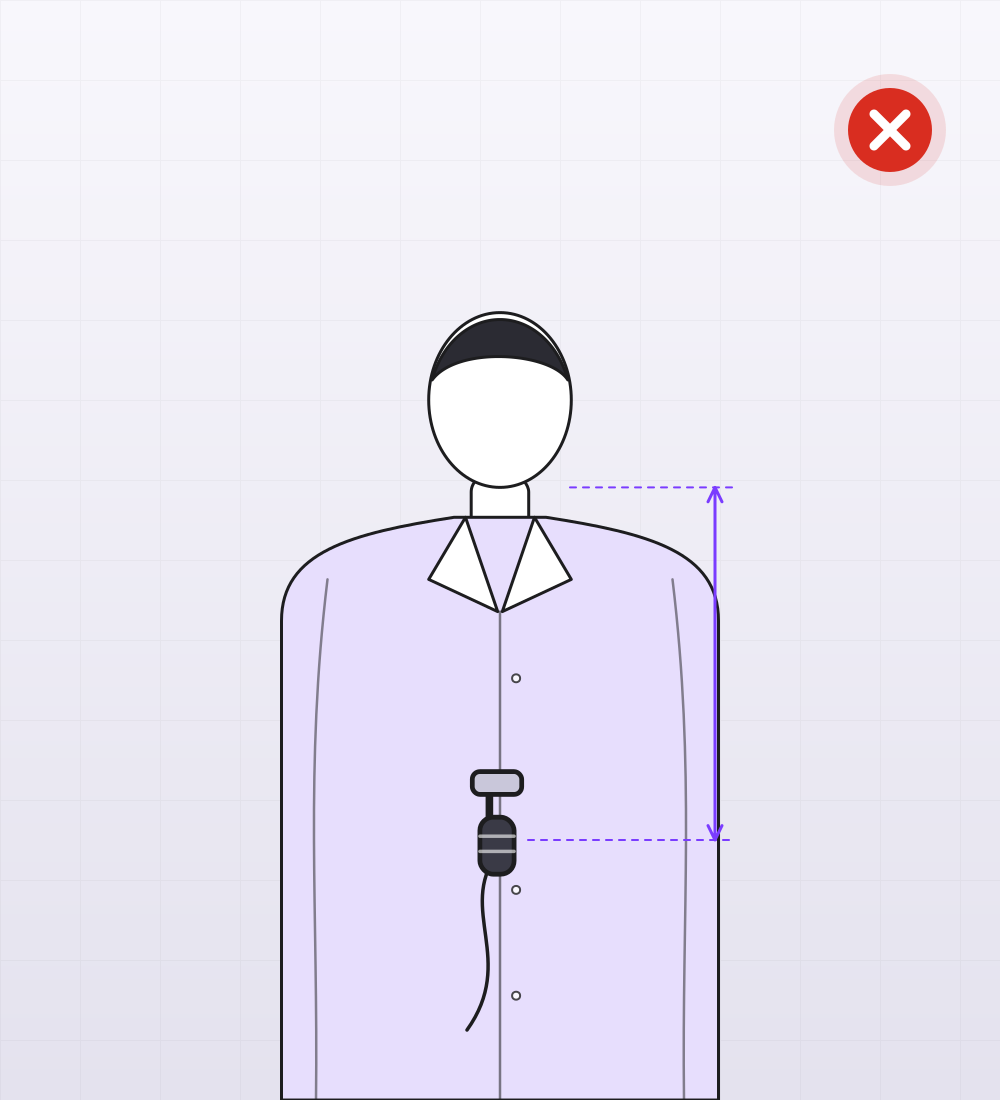
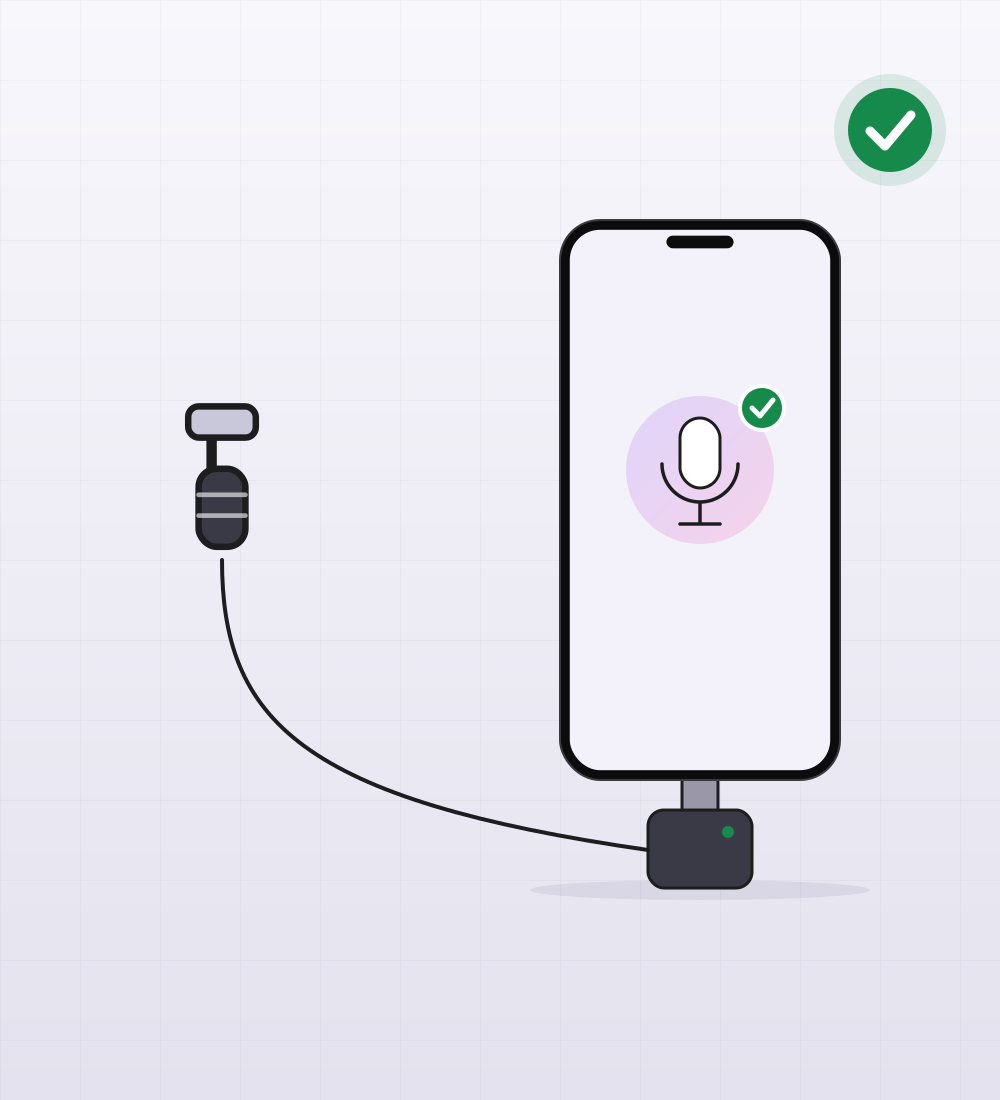
Clip the mic to your collar, 15–20 cm below the chin. Plug the receiver (wired, USB or wireless) into the phone. The stream settings show which microphone viewers hear: check it before you go live.
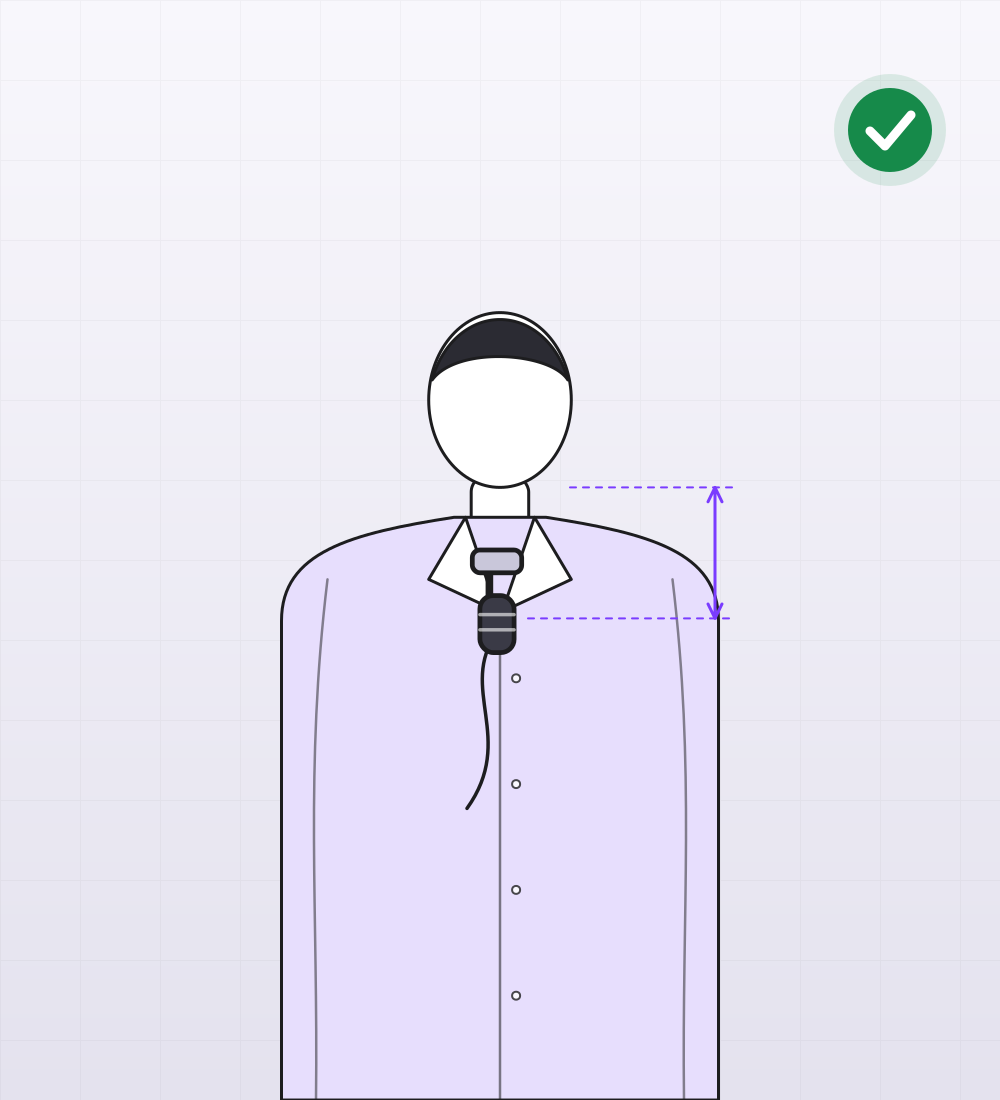
On the collar, 15–20 cm below the chin15–20 cm
On the collar, 15–20 cm below the chin
Too low: down at the waist
Receiver plugged into the phone
  • Collar
  • 15–20 cm
  • Wired or wireless
  • Check before going live

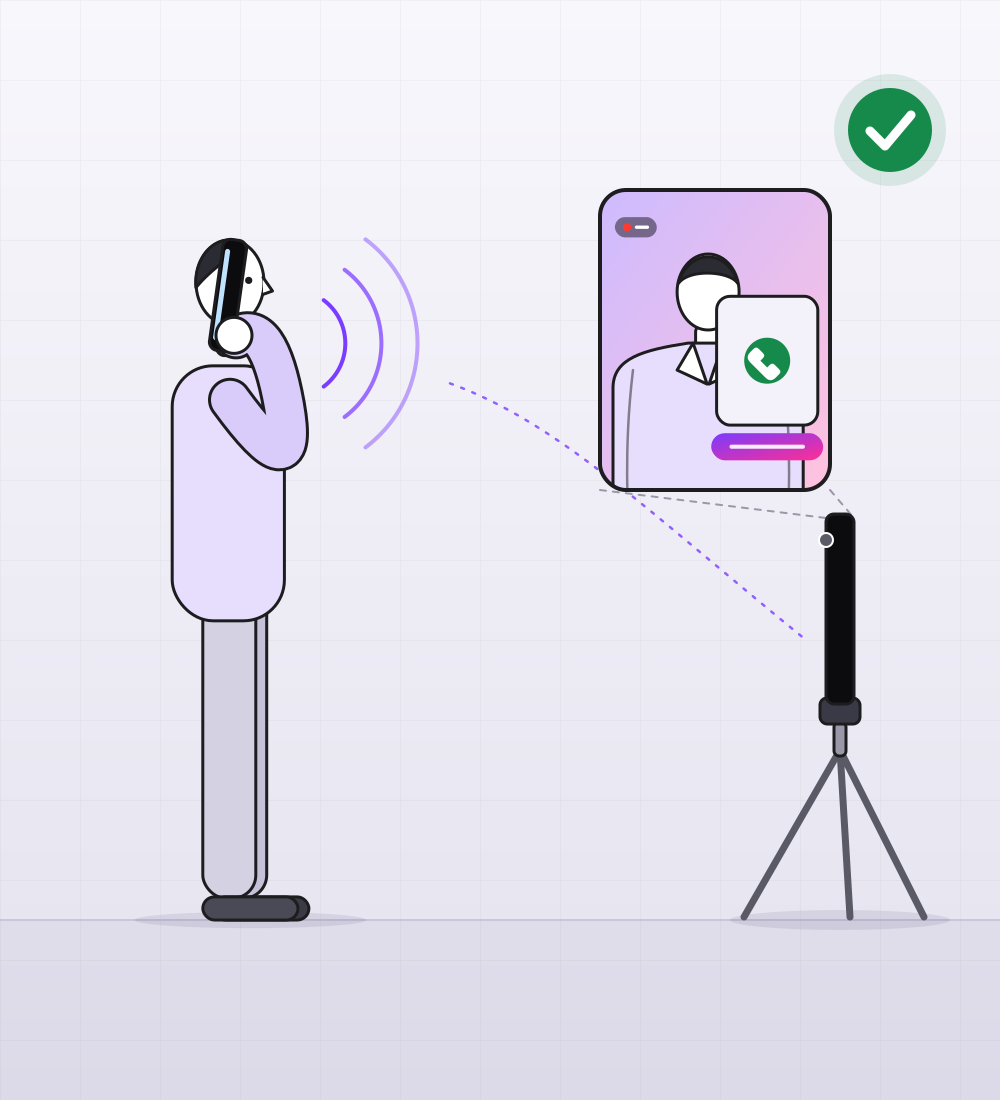
The winner joins live

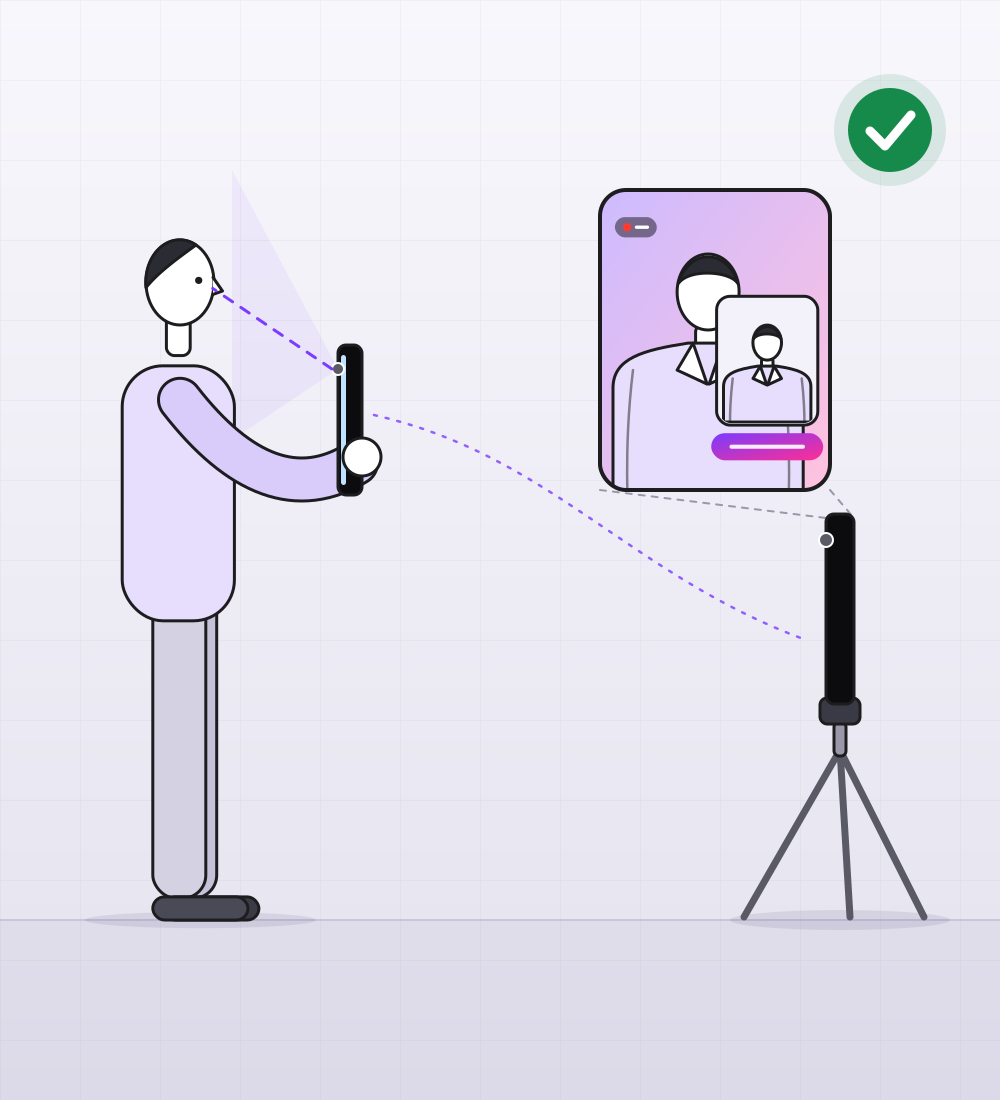
The winner gets a link in WhatsApp and opens it in their phone’s browser, nothing to install. The front camera turns on and their video appears in your frame with a name tag. In Kazakhstan you can also call the winner on a mobile line, and the call goes on air too.
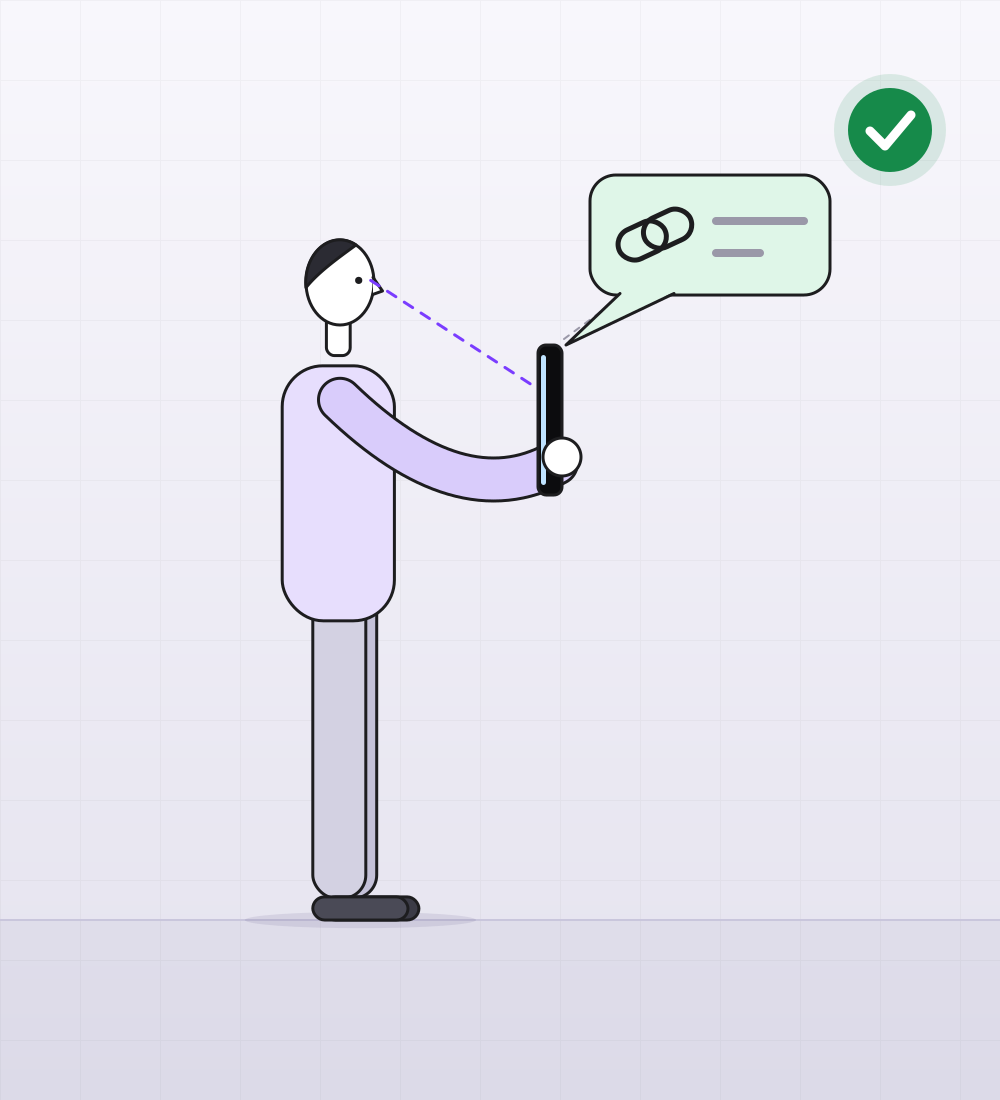
1. A link in WhatsApp, nothing to install
2. Their video in your frame, with a name tag
3. In Kazakhstan: the call goes on air too
  • WhatsApp link
  • No install
  • Front camera
  • Name tag
  • Calls in Kazakhstan