


 On air
 YOU WIN
Your background
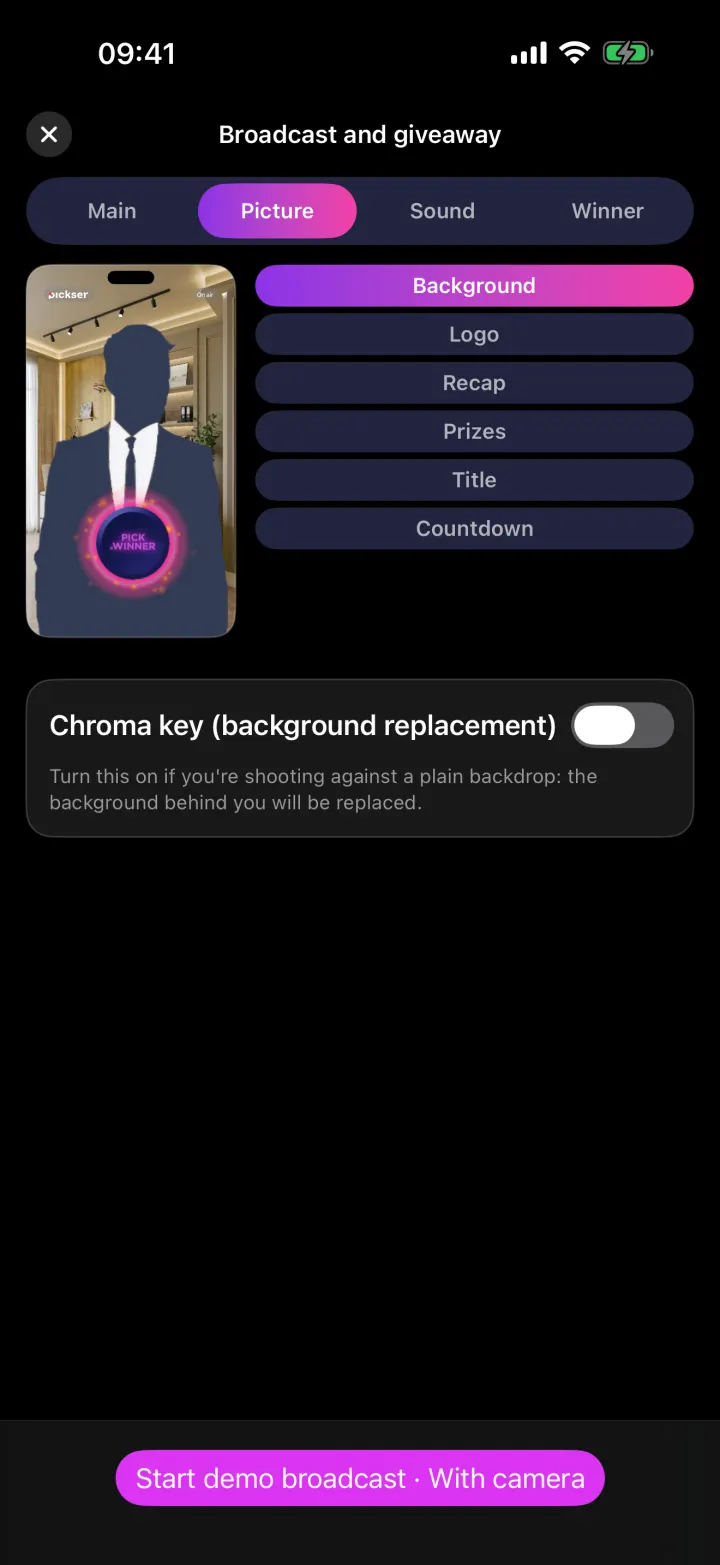
Chroma key: remove your backdrop and put in your own, from a gallery or a photo.


Pickser — live giveaways
Fewer devices, More emotion, More trust
A host, an operator, an assistant with two phones, a laptop and a TV, a randomizer with a table.
In Pickser, the visual and audio effects, the list of participants, the seal and the winner are all in one app.
Hover over or tap any part: it lights up, and here you’ll see what it does and how it helps keep the giveaway fair.Each button is a stream tool. Tap it to see what it does. The pulsing one is the next you haven’t opened yet.
Every viewer sees the name and ticket number at once, and the winner joins you on air. You talk live, and then come the “Next prize” or “Recap” buttons.
Pick a layer: it slides out of the stack and shows what it does.
Send the winner a link or call them, where calls are available in your country: they appear on screen next to you, and viewers see and hear them.
The name and ticket number on screen in the stream: all viewers see them at once. If the win isn’t accepted, the “Redraw” button picks someone else.
One tap: the countdown runs and the winner card comes on screen. The number comes from a public randomness source (drand), not from the app, so the host can’t influence the pick.
Entrants and tickets are locked in with a SHA-256 checksum before the draw. The list can’t be swapped afterwards, and any viewer can check: after the stream they download the list with private data hidden and find themselves in it.
Camera, music, effects, entrant list, prizes, winners and title: every stream tool in one column, right on top of the video.
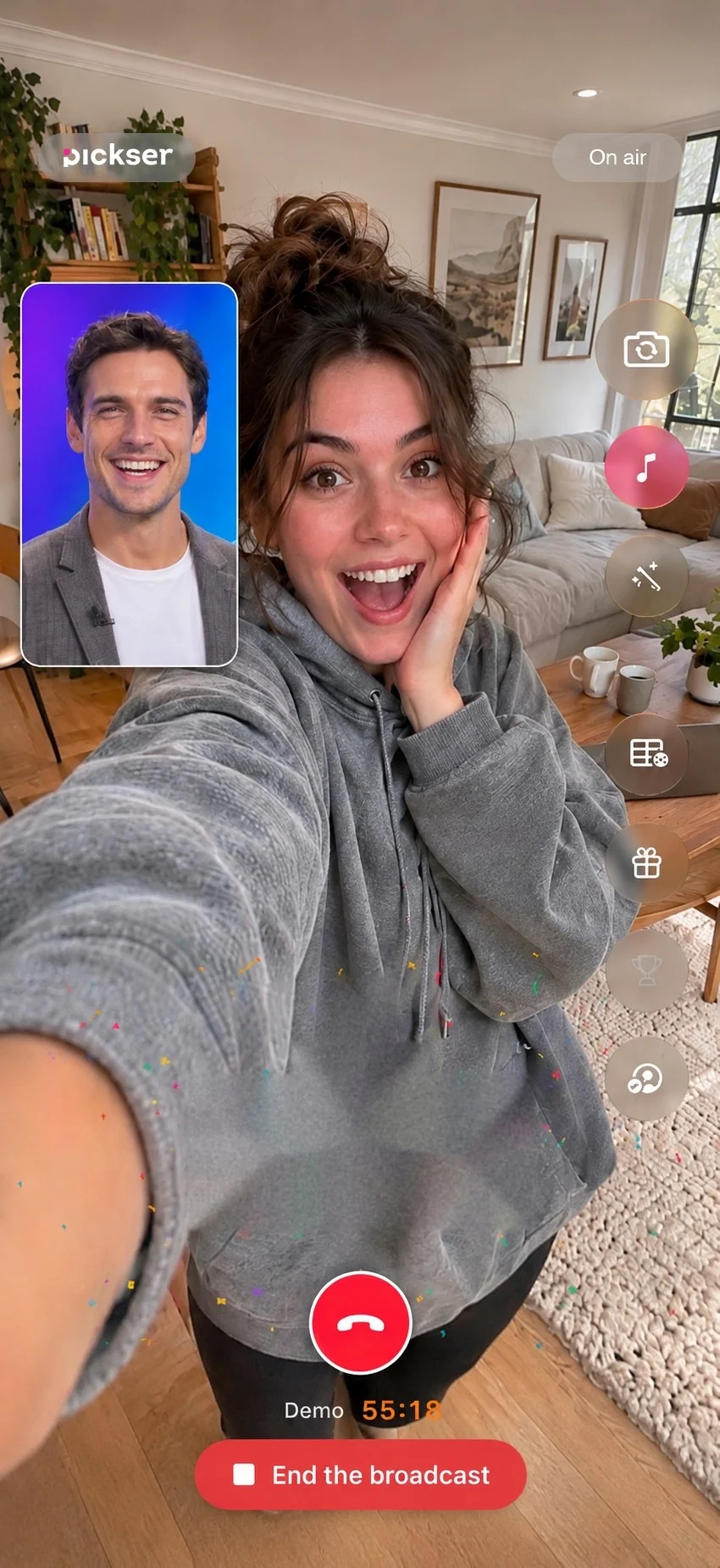
You’re on camera. The app draws the interface right over your video: no operator, no second phone. The stream goes out to Instagram, TikTok or YouTube.
Change the background behind the host to fit your stream.
Pick a layer: it slides out of the stack and shows what it does.
Send the winner a link or call them, where calls are available in your country: they appear on screen next to you, and viewers see and hear them.
The name and ticket number on screen in the stream: all viewers see them at once. If the win isn’t accepted, the “Redraw” button picks someone else.
One tap: the countdown runs and the winner card comes on screen. The number comes from a public randomness source (drand), not from the app, so the host can’t influence the pick.
Entrants and tickets are locked in with a SHA-256 checksum before the draw. The list can’t be swapped afterwards, and any viewer can check: after the stream they download the list with private data hidden and find themselves in it.
Camera, music, effects, entrant list, prizes, winners and title: every stream tool in one column, right on top of the video.
You’re on camera. The app draws the interface right over your video: no operator, no second phone. The stream goes out to Instagram, TikTok or YouTube.
Change the background behind the host to fit your stream.
The closer to the top-left corner, the less you have to take on the host’s word and the easier it is to check for yourself.
A simplified diagram, not a measurement.
As long as the organizer controls both the participant list and the randomizer, fairness is in question. Real transparency begins where control passes to an independent party.
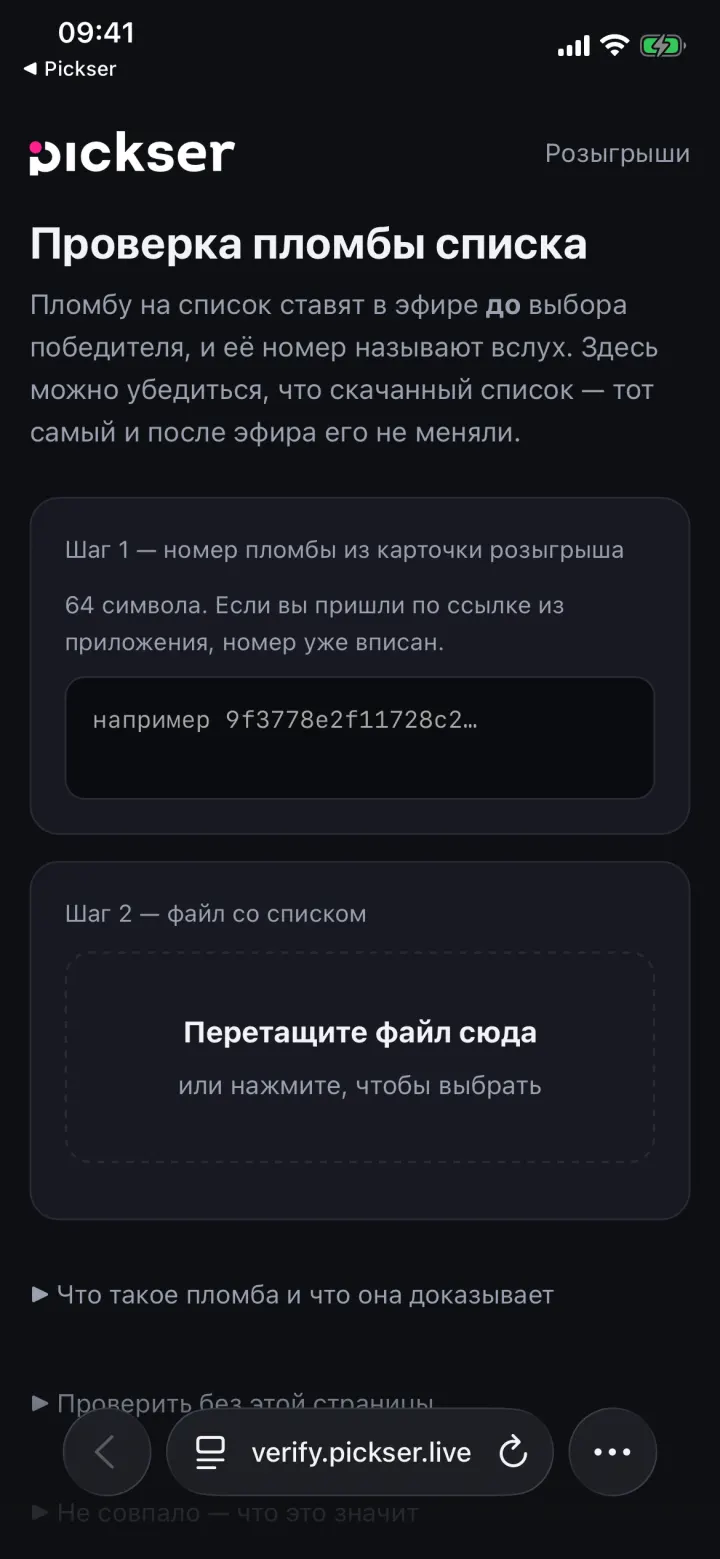
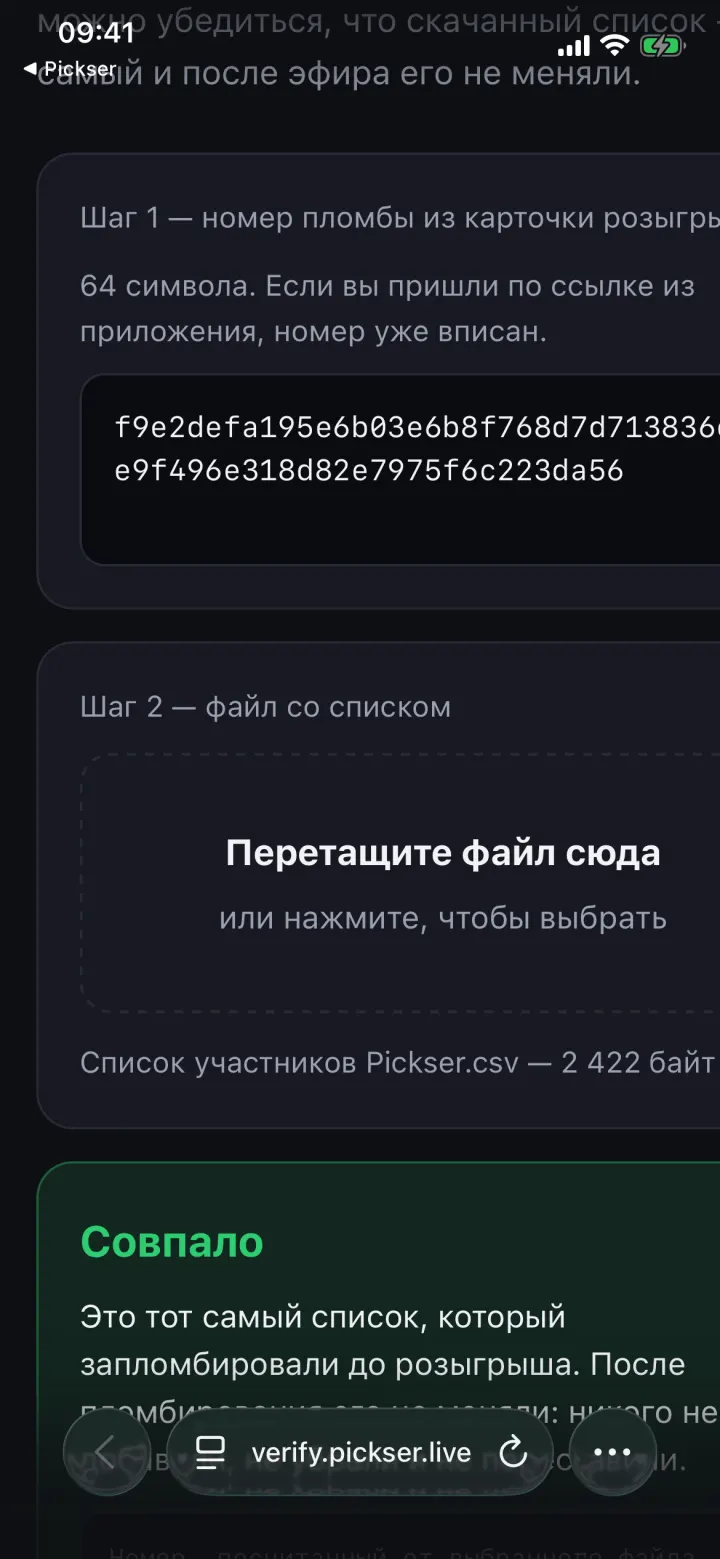
You can check the file without Pickser too: find any SHA-256 calculator on Google, load the file into it and compare the code it gives you with the seal code.
1Take this file. It is already sealed and its SHA-256 code is fixed.
2Open the file, try changing or adding any single character, and drop the file into the check window. If even one letter in the file was altered, the code will not match.
3Now find the winner of this list yourself. The random number comes from the drand network, not from us.
1
Tickets50
Another round, another ticket. How it is calculated
Instagram, TikTok, YouTube, SHA-256, drand, WhatsApp, iPhone, chroma key, list seal.
You create the stream in our app and broadcast to your own social networks.
You take the key from your social network’s settings. Participants watch the stream on your social network.
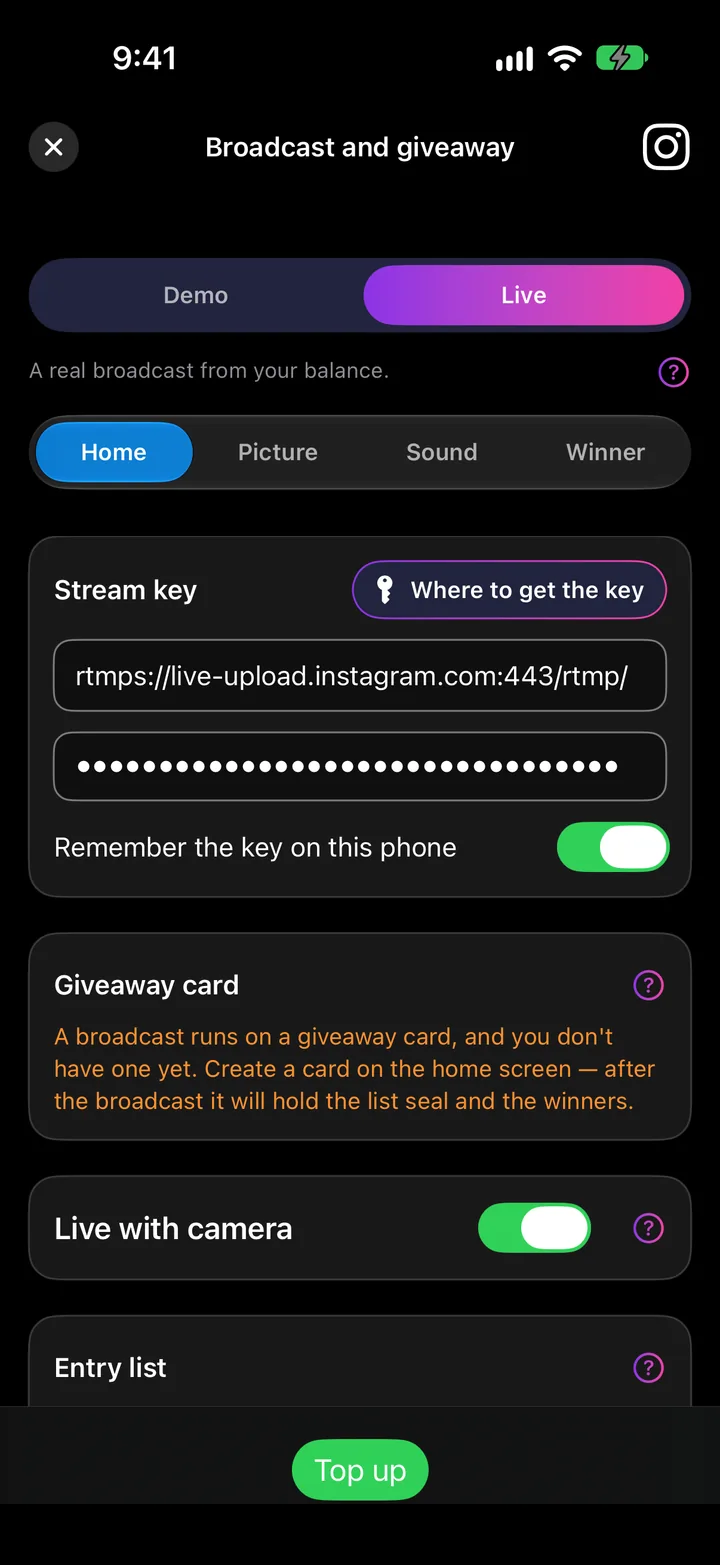
You run the giveaway right from your phone. You read participants’ comments in the Pickser stream.
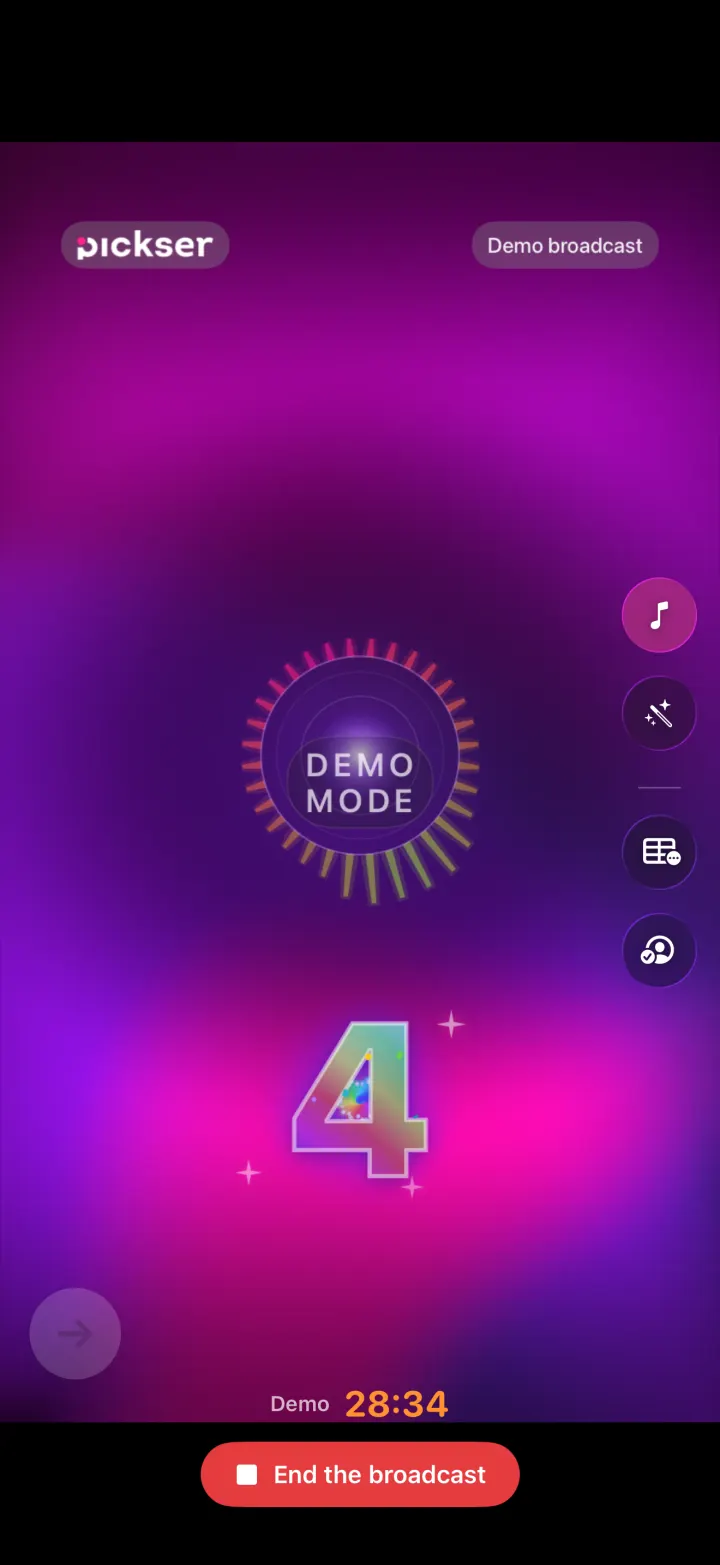
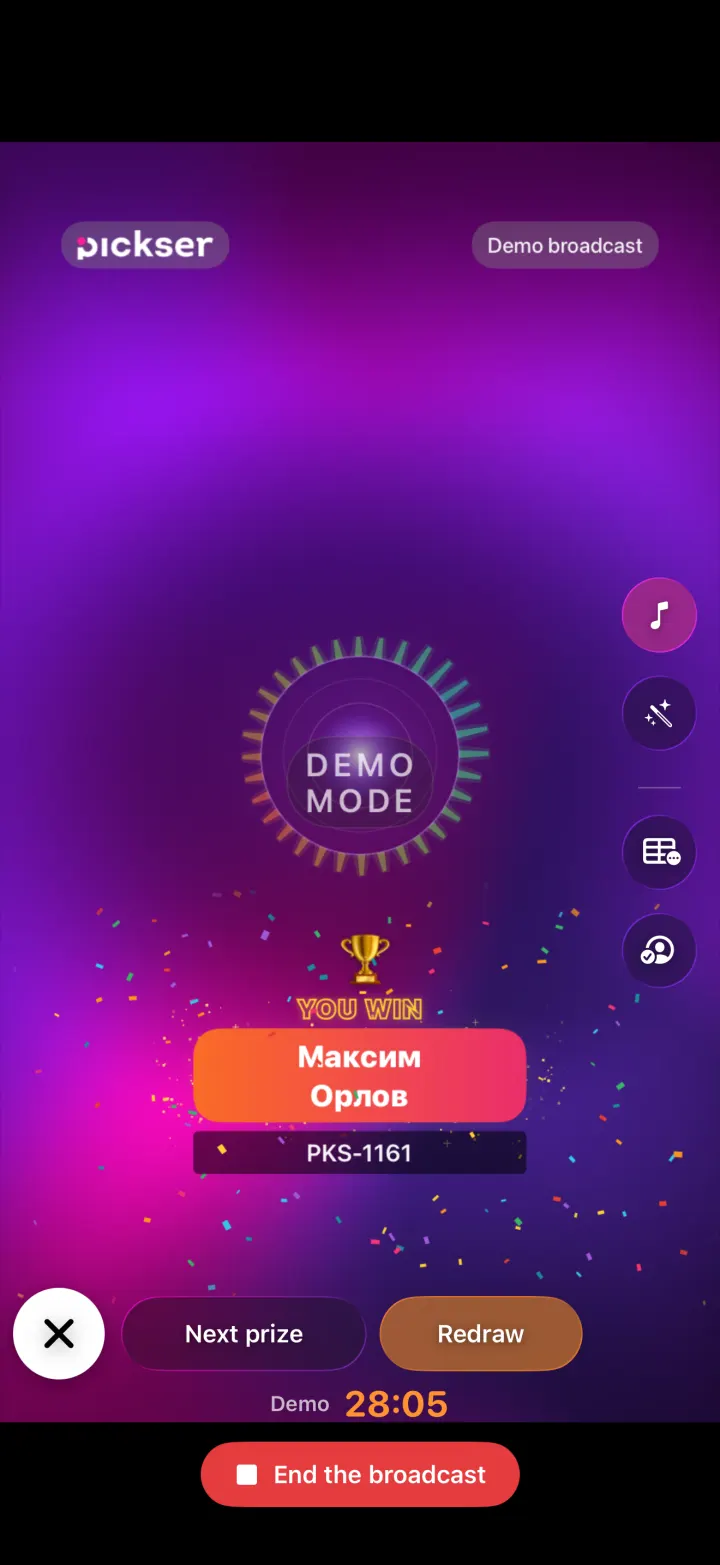
Chroma key: remove your backdrop and put in your own, from a gallery or a photo.
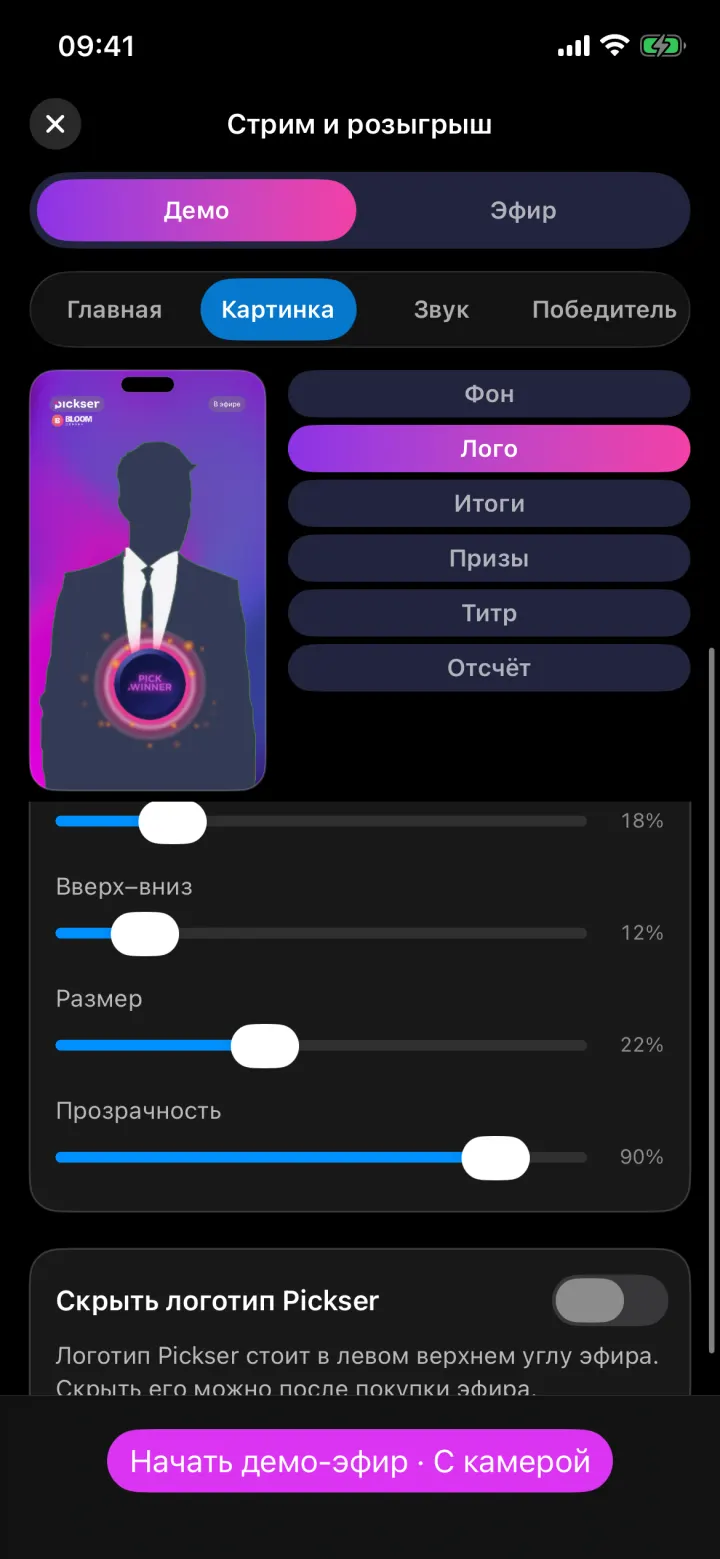
Upload yours — it stays on screen for the whole stream.
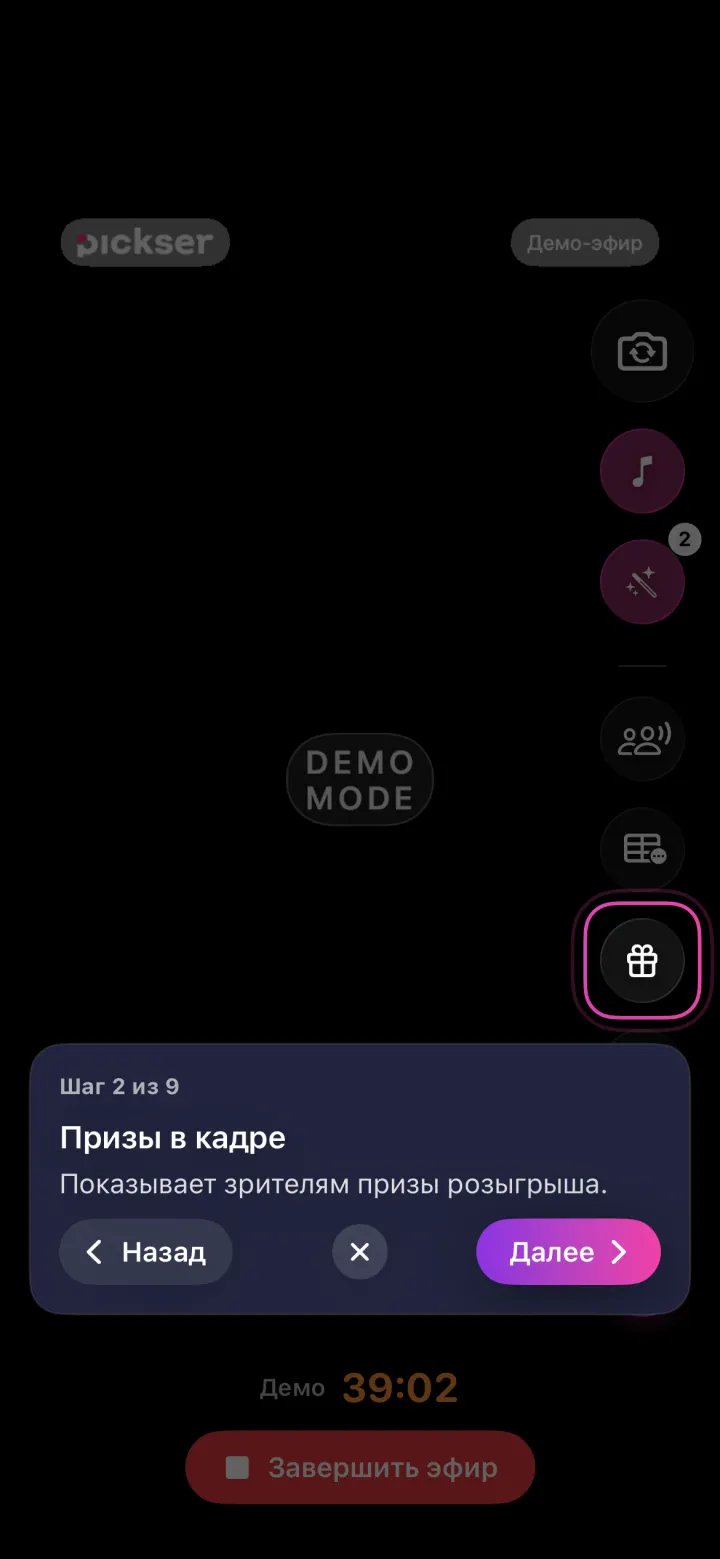
Viewers see the giveaway prizes right in the frame.
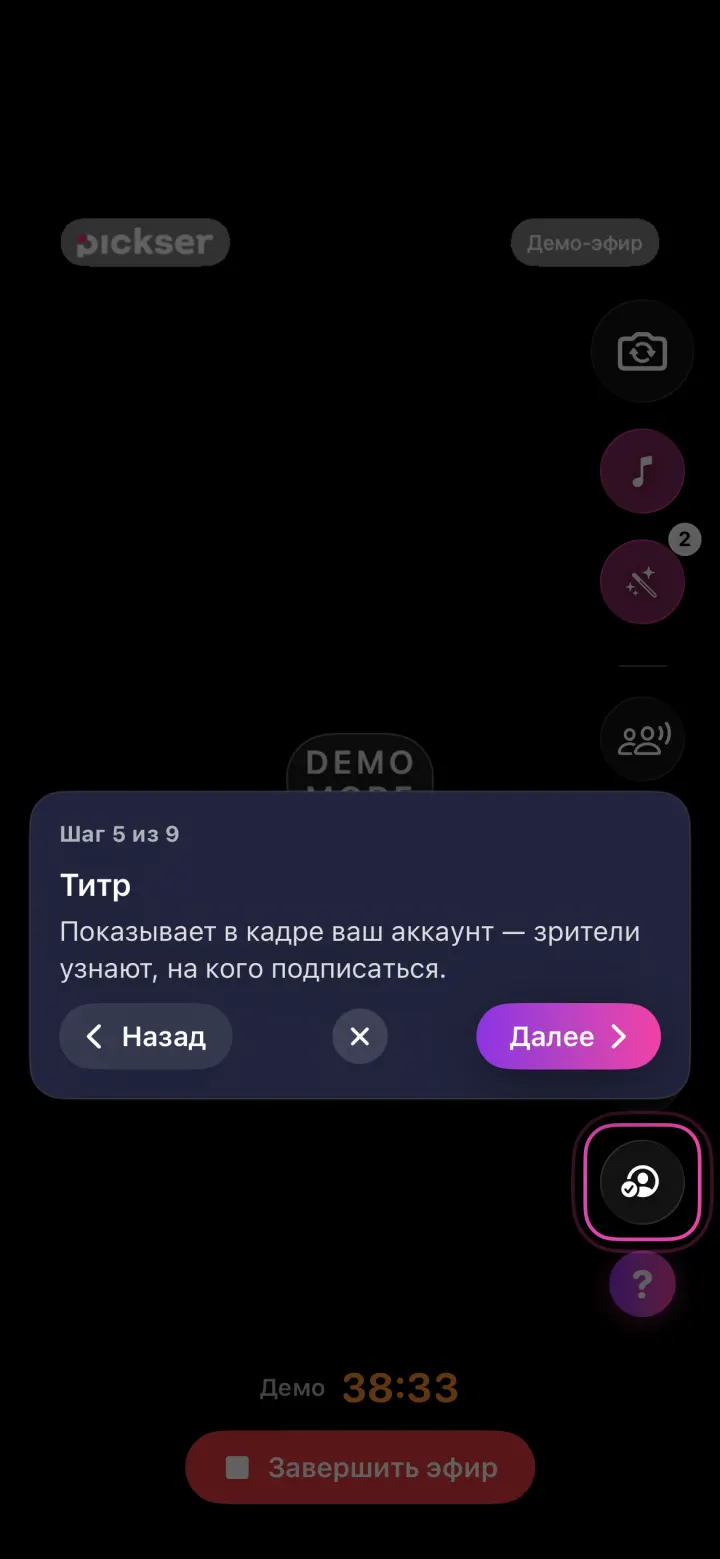
Your account on screen: viewers see right away who to follow.
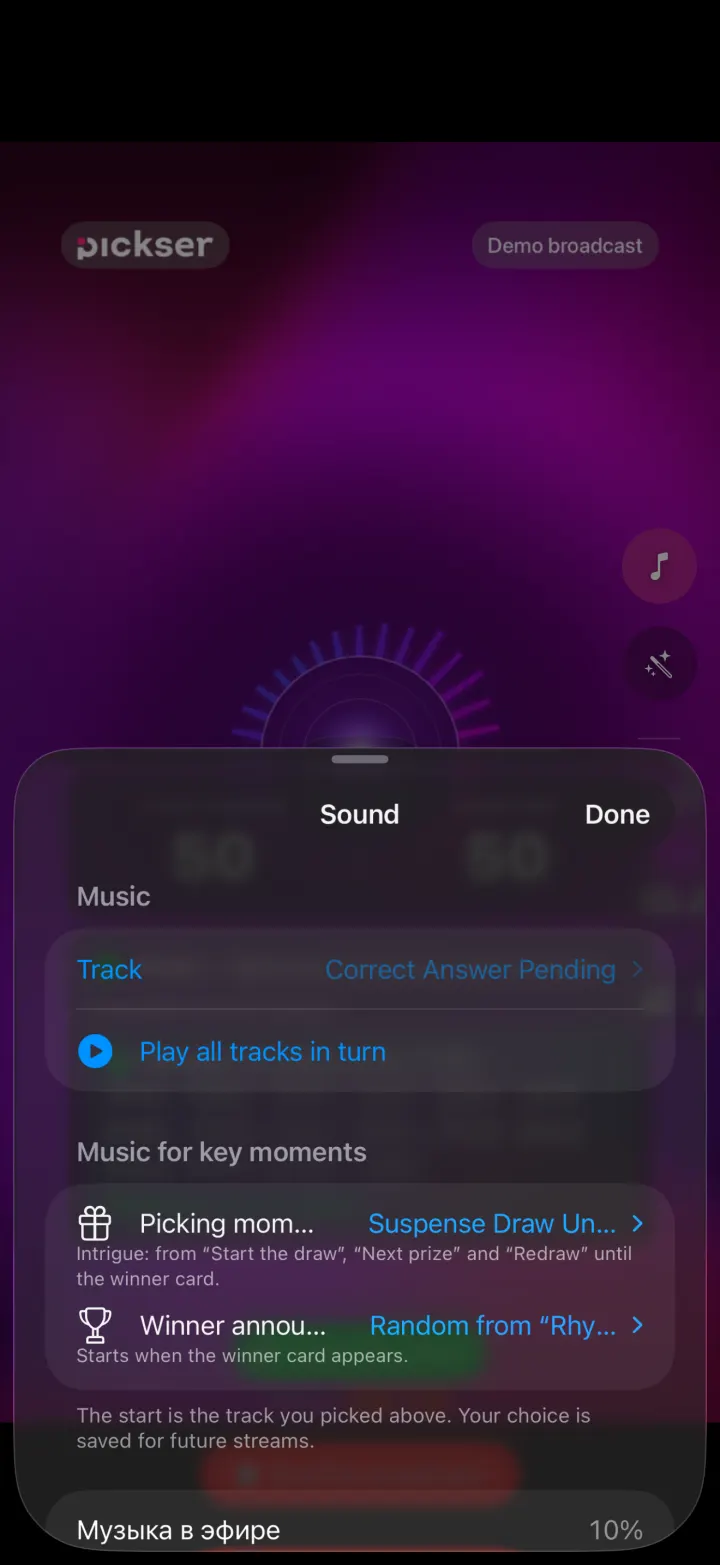
Your own track for the start, the moment of the draw and the winner announcement.
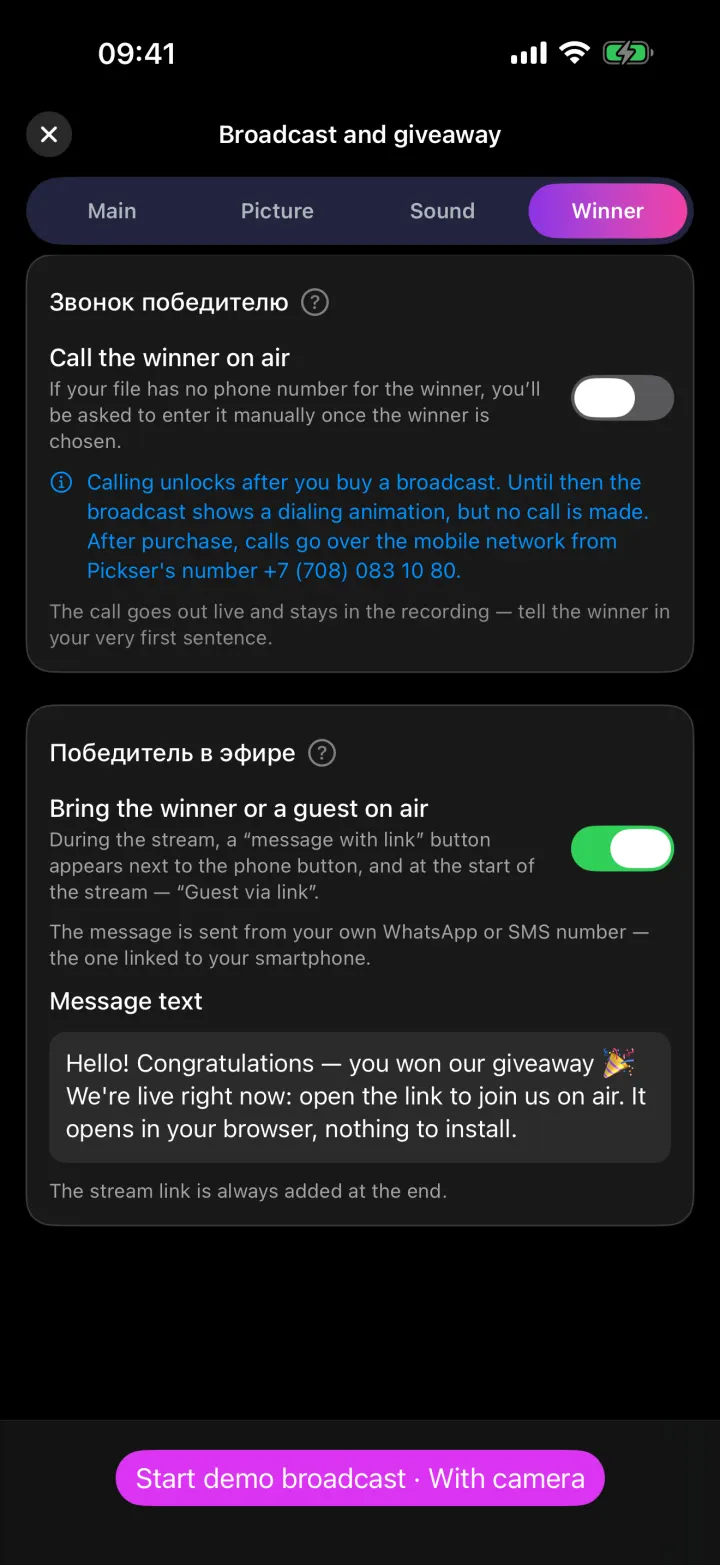
In Kazakhstan, a phone call over the mobile network. Everywhere else, a WhatsApp link.
Rigged? Inside job. Was there even a list? Where’s the recording?
An entrant can’t check — and stops entering.
On pickser.live every giveaway has its own page: prizes, entry rules, steps, the stream date and an “add to calendar” button. Rules no longer get lost in posts.
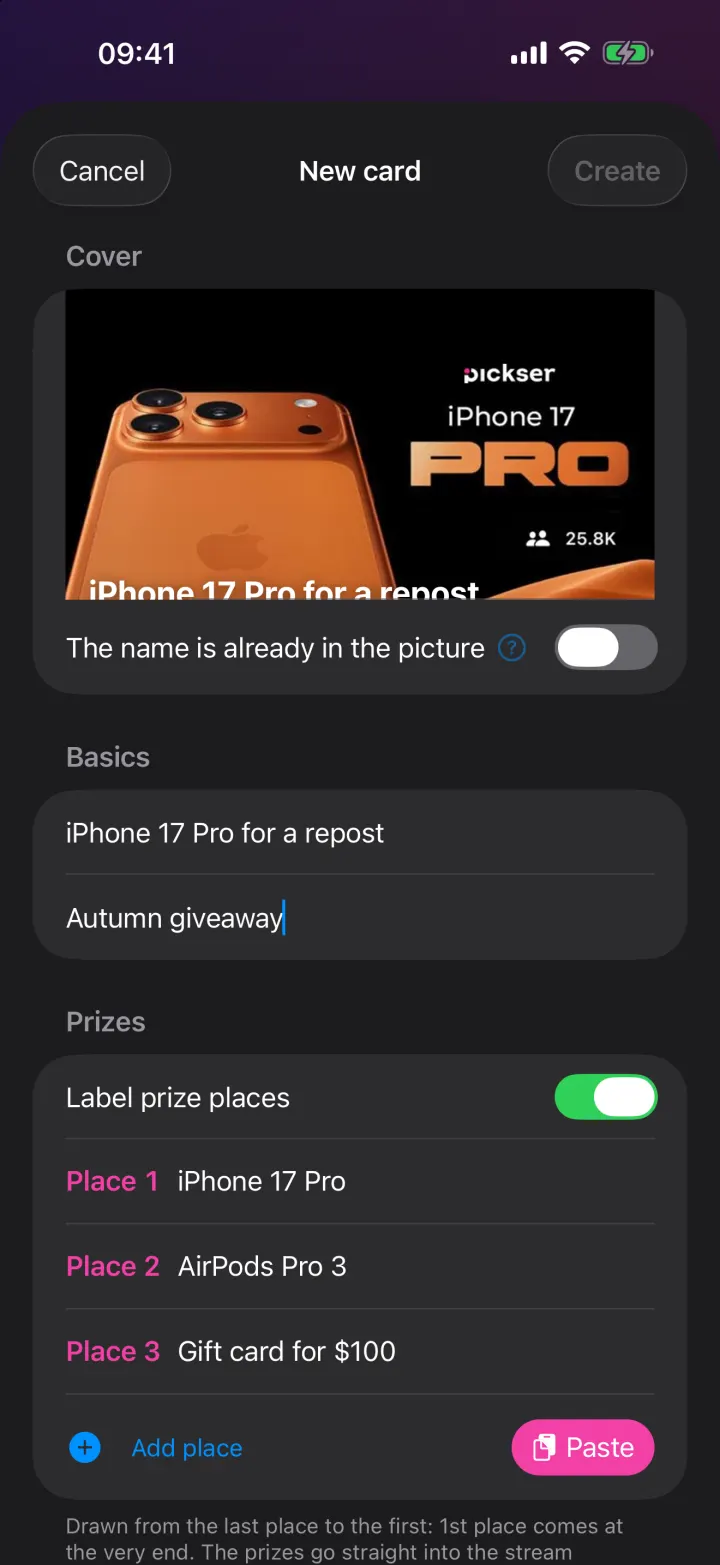
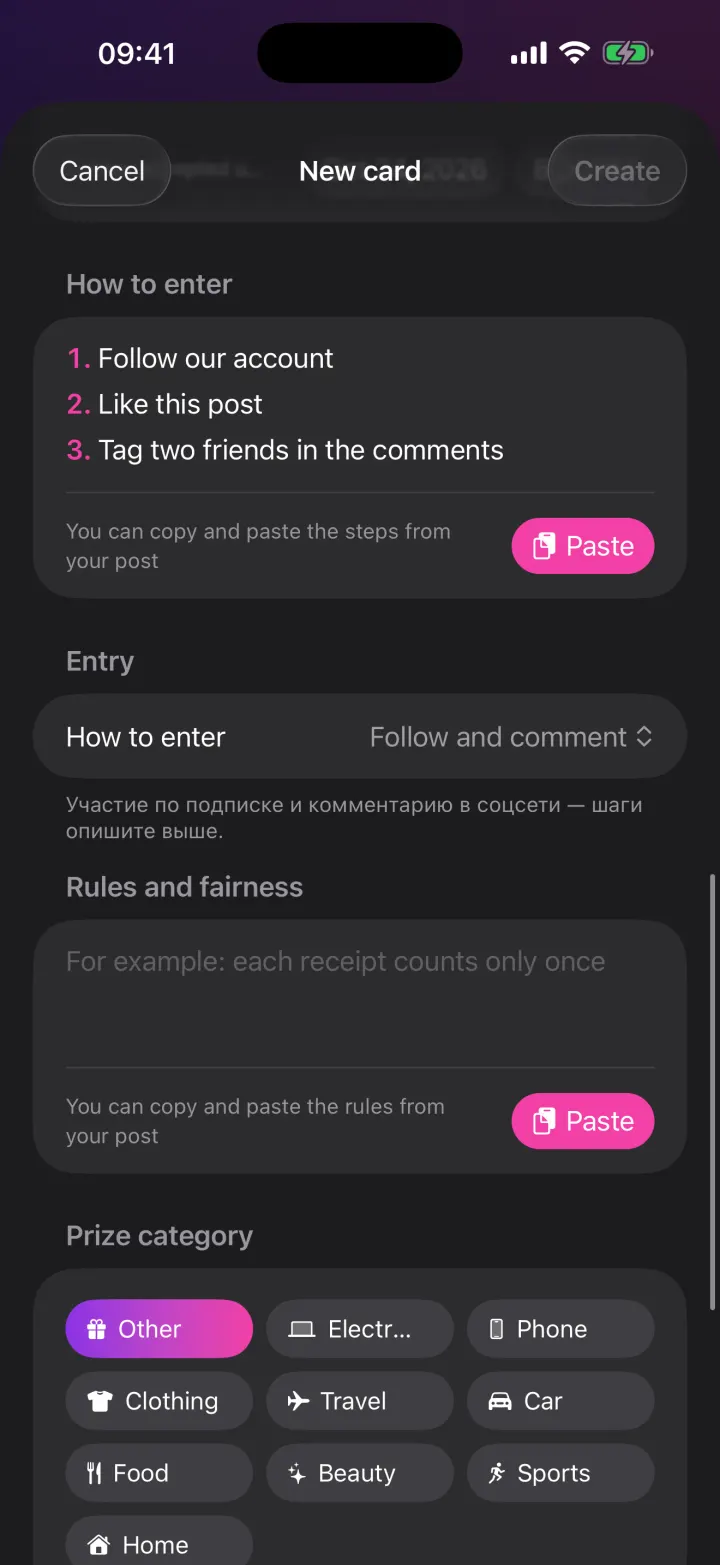
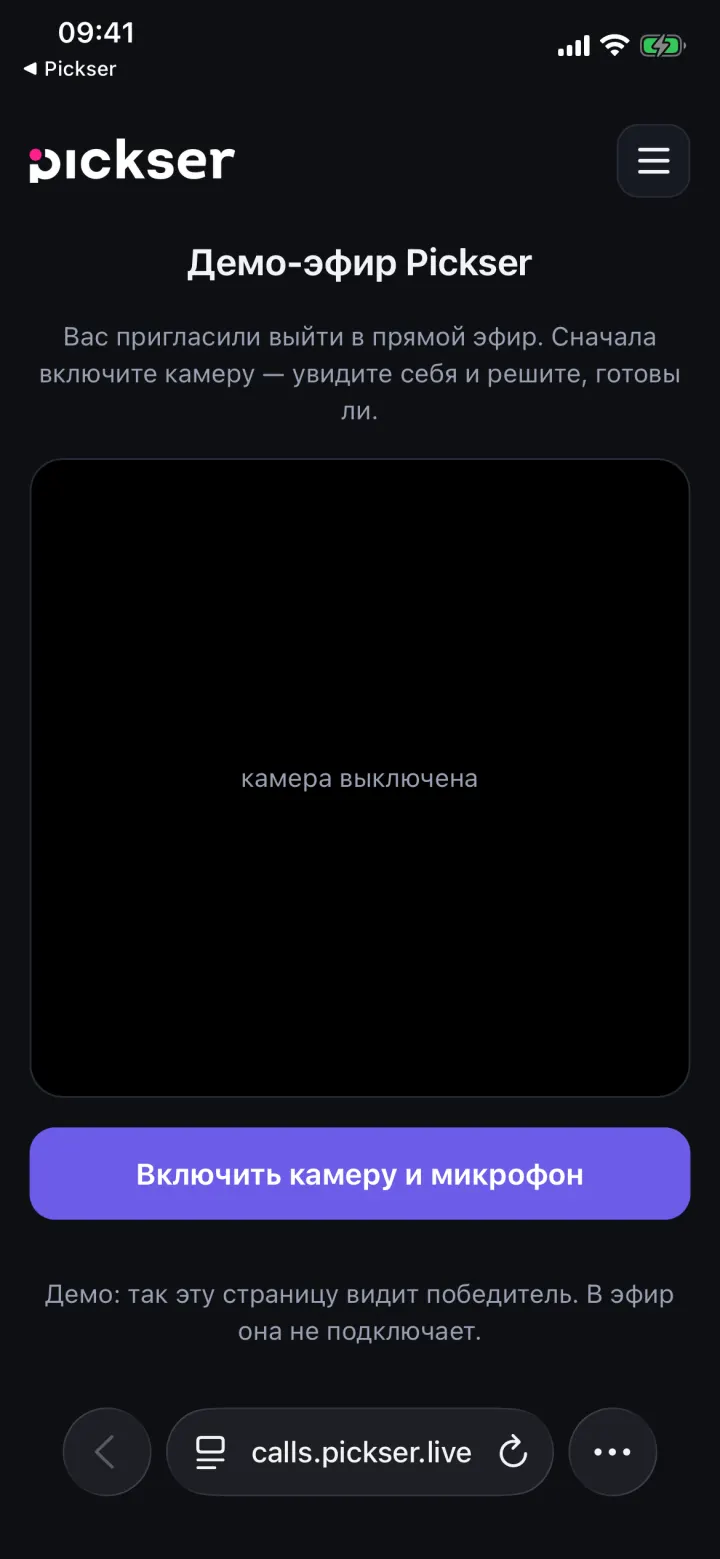
The winners, the stream recording and the seal code appear. And if you won, join the stream straight from your phone by link — no app to install.
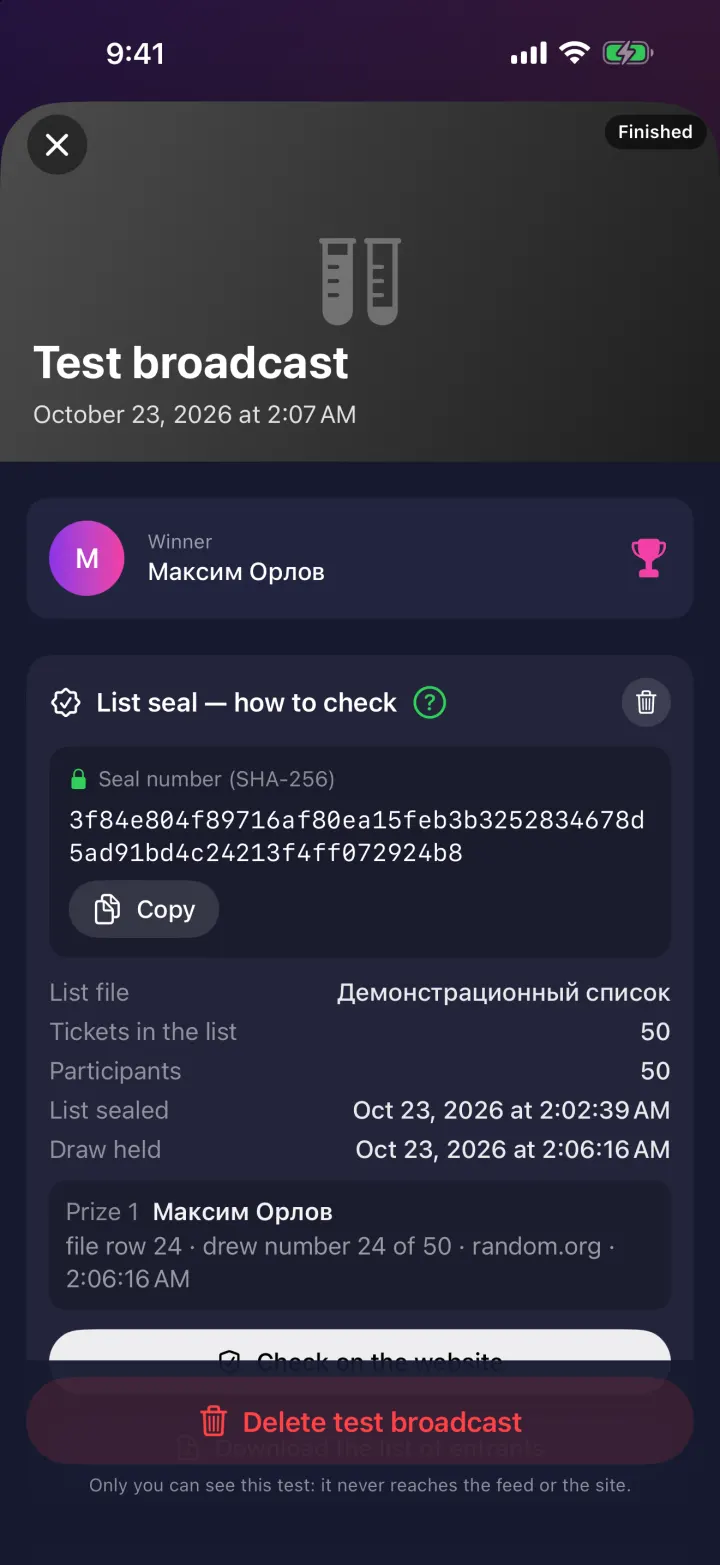
Take the seal code from the card and drop in the list file. A match means the giveaway is clean. Anyone can check, and the file never leaves your device.
A rehearsal with a made-up list. No minutes are used.
A real broadcast to your social account. See how it looks to viewers.
Minutes are bought inside the app through the App Store. No subscription, and purchases never expire.
Not you and not us. The random number comes from drand, the League of Entropy’s public randomness beacon. That number and the list seal decide the winner, so nobody can influence the pick.
A SHA-256 fingerprint of your list: 64 characters. Change any letter and the fingerprint changes. It is shown on screen before the draw, so the list can’t be changed afterwards.
No. In Kazakhstan the winner gets a phone call over the mobile network; elsewhere a WhatsApp link is sent, and they join the stream by video from a browser, installing nothing.
From your phone to Instagram, TikTok or YouTube using a stream key. For Instagram the key isn’t available to every account — the conditions are described in the app.
The demo and the 3-minute test stream are free. After that you buy stream minutes inside the app, with no subscription. Purchases never expire. See the prices in the App Store.
We’ll email you when a new version of the app comes out or a new giveaway opens. Choose what interests you.